
The BackupYourSite blog

Backups, restores and website resilience — written for the people who have to bring a site back at 2 a.m.

Offsite SSH backup for a Kinsta-hosted WordPress site: a shielded database with a green restore arrow linked to four website windows with their media folders

Kinsta Bans Backup Plugins. Here's the Access Method That Isn't One.

Kinsta bans backup plugins, but SSH and SFTP are included on every plan. Here's why an outside SSH backup isn't a plugin, and how to set it up.

Read article →

WordPress multisite backup diagram: a shielded network database with a green check and restore arrow linked to four subsites, each with its own uploads folder, showing network tables and subsite uploads backed up together

A Multisite Backup That Skips the Network Tables Isn't a Backup. It's a Lost Network.

A multisite backup that misses the shared network tables or a subsite's uploads restores a broken network. Here's what to capture and how to test it.

Read article →
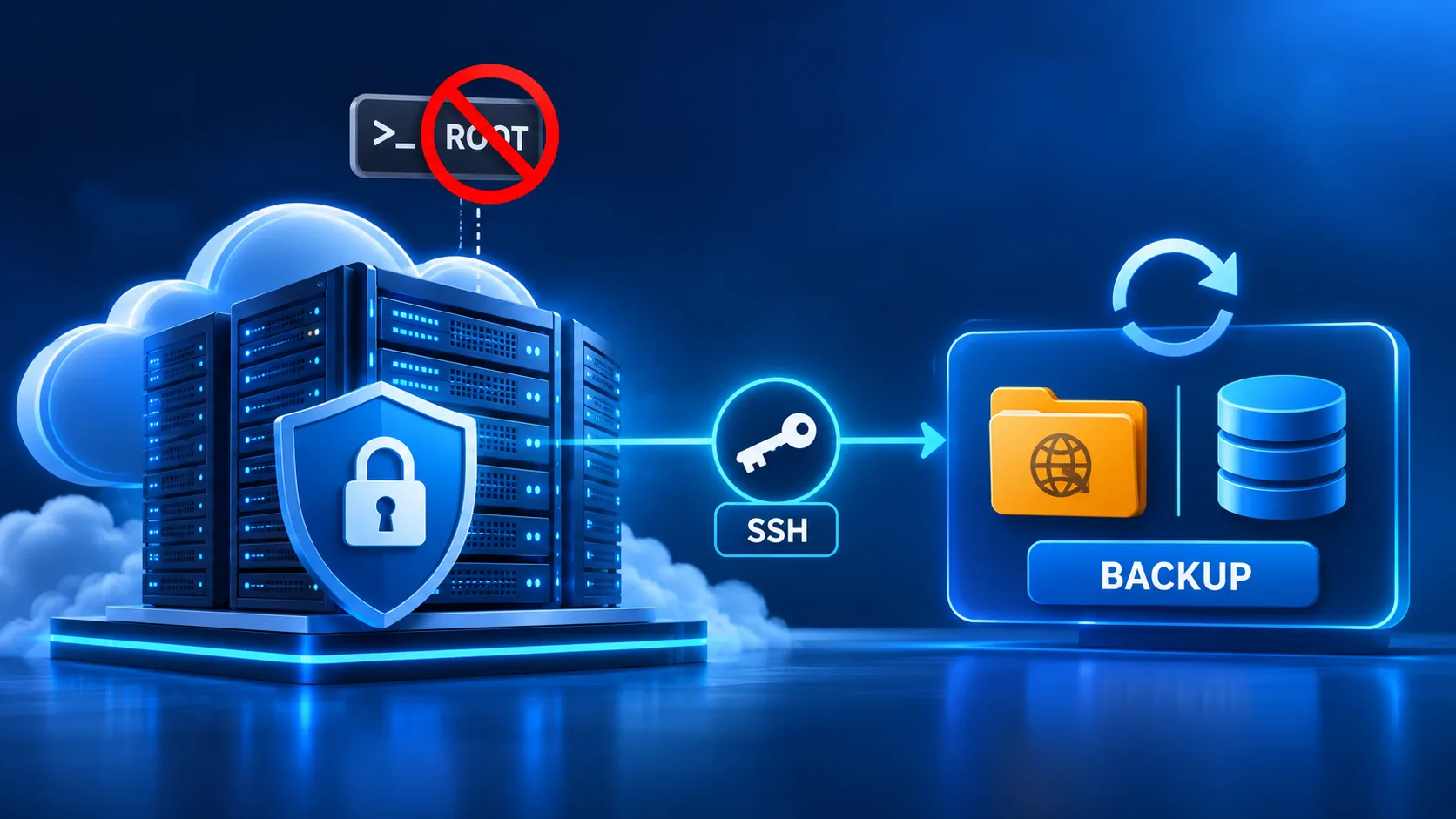
Diagram showing root SSH access blocked on a Cloudways server, with a locked server protected by a shield connecting through a scoped SSH key to an offsite backup folder and database, illustrating how Cloudways backup works without root access

Cloudways Won't Give You Root. Your Backup Tool Doesn't Need It.

Cloudways denies root access by design. See why, and how BackupYourSite backs up and restores your site fully over non-root SSH.

Read article →

WordPress Revisions Are Not a Backup

WordPress revisions save old drafts, not your whole site. See how revisions bloat your database, how to limit or clean them, and what backup actually covers.

Read article →
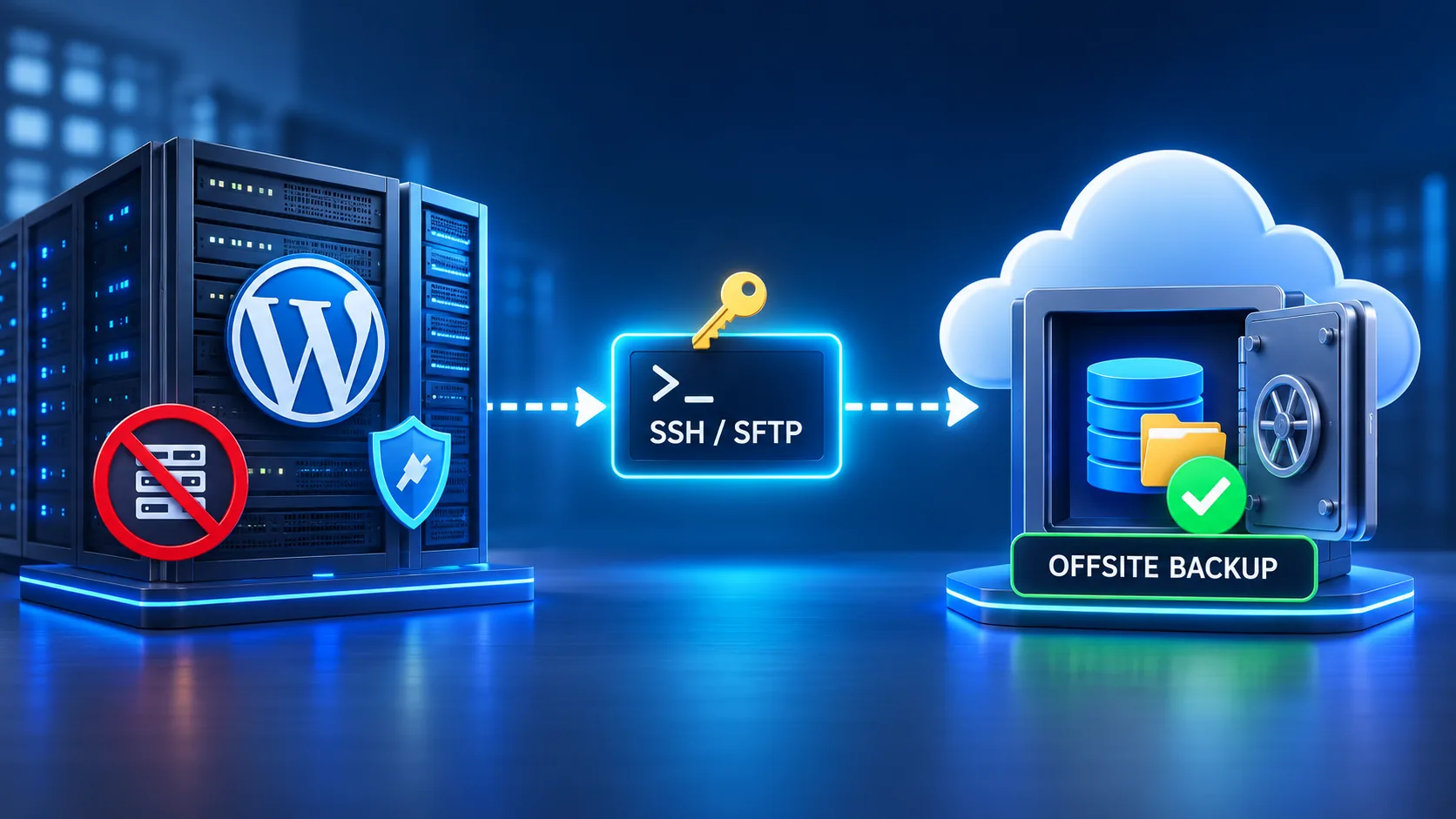
WP Engine backup workflow diagram — a WordPress server with direct access blocked, connecting through an SSH/SFTP key to a secure offsite backup vault in the cloud

WP Engine Blocks Direct Server Access. Here's How Our Backup Still Reaches It.

WP Engine blocks direct server access by design. Here's how BackupYourSite connects anyway, using WP Engine's own SSH Gateway, confirmed by our test.

Read article →

Google Drive icon wrapped in chains and a padlock next to a laptop warning 'Your Data... Our Rules' — illustrating why Google Drive sync is not a safe WordPress backup destination

Google Drive Isn't a Backup. It's a Hostage.

Google Drive syncs ransomware over clean files in minutes. See why a WordPress backup to Google Drive fails, and what real offsite backup needs instead.

Read article →

DigitalOcean Droplet Backup that can't be downloaded — a cloud icon holding a database backup with the download arrow blocked by a red X, next to a laptop showing a red warning alert, with a server rack in the background

A DigitalOcean Backup You Can't Download

A DigitalOcean Droplet Backup can't be downloaded or exported. Why, the WordPress database gap it leaves, and the off-host backup layer that closes it.

Read article →
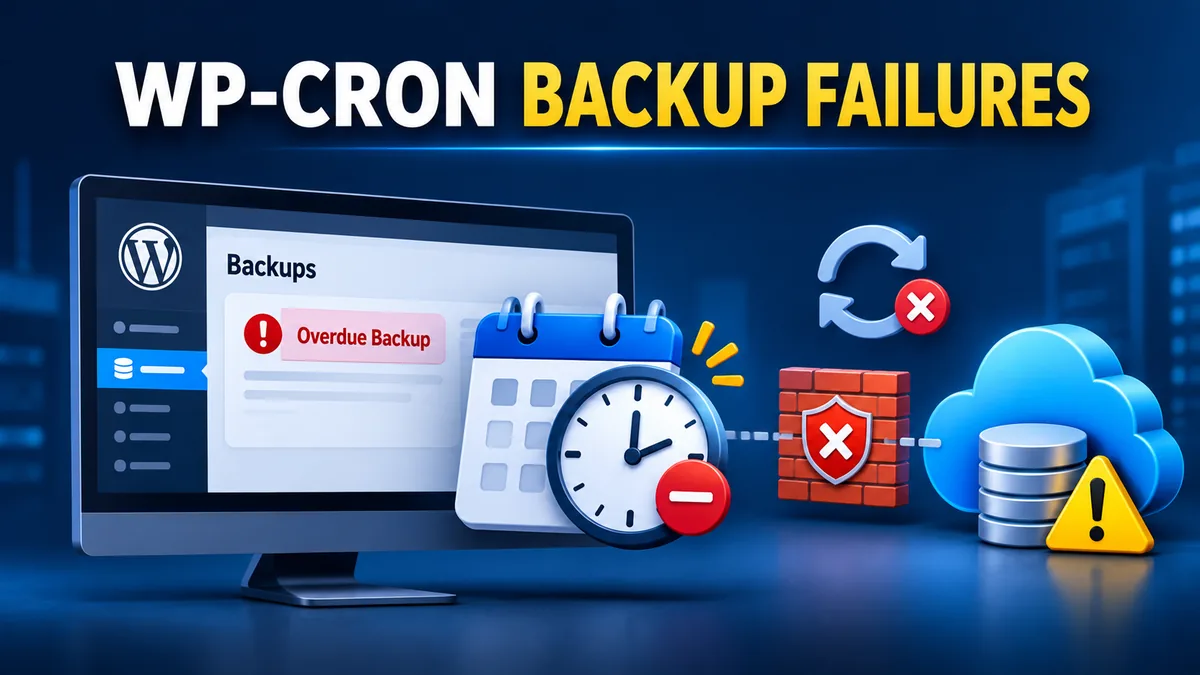
WordPress admin dashboard flagging an Overdue Backup next to a calendar and clock showing a missed schedule, with WP-Cron's sync failing to get past a firewall and never reaching offsite cloud storage

Your Backup Isn't Broken. Your Cron Is.

Backup plugins don't fail on their own — WP-Cron does. Here are the 7 real reasons WordPress backups silently stop running, and why pull-based backups skip the problem.

Read article →
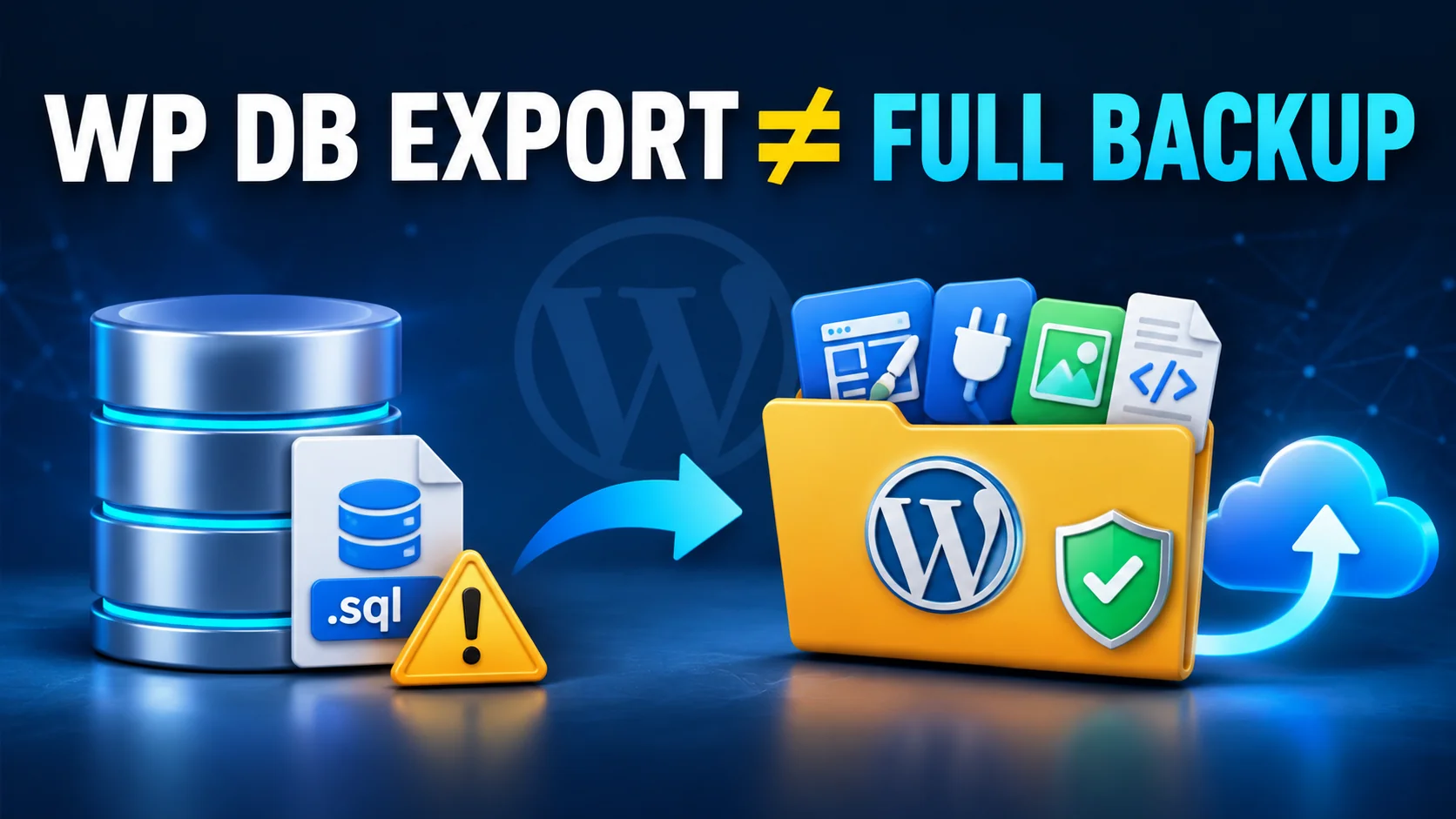
WP database export is not a full backup — a WordPress database icon with a flagged .sql file next to a complete backup folder holding themes, plugins, uploads and an offsite cloud icon

wp db export Isn't a Full Backup

wp db export only backs up your database, not your files. See the 3-line WP-CLI backup script, the cron setup, and the offsite gap it leaves open.

Read article →
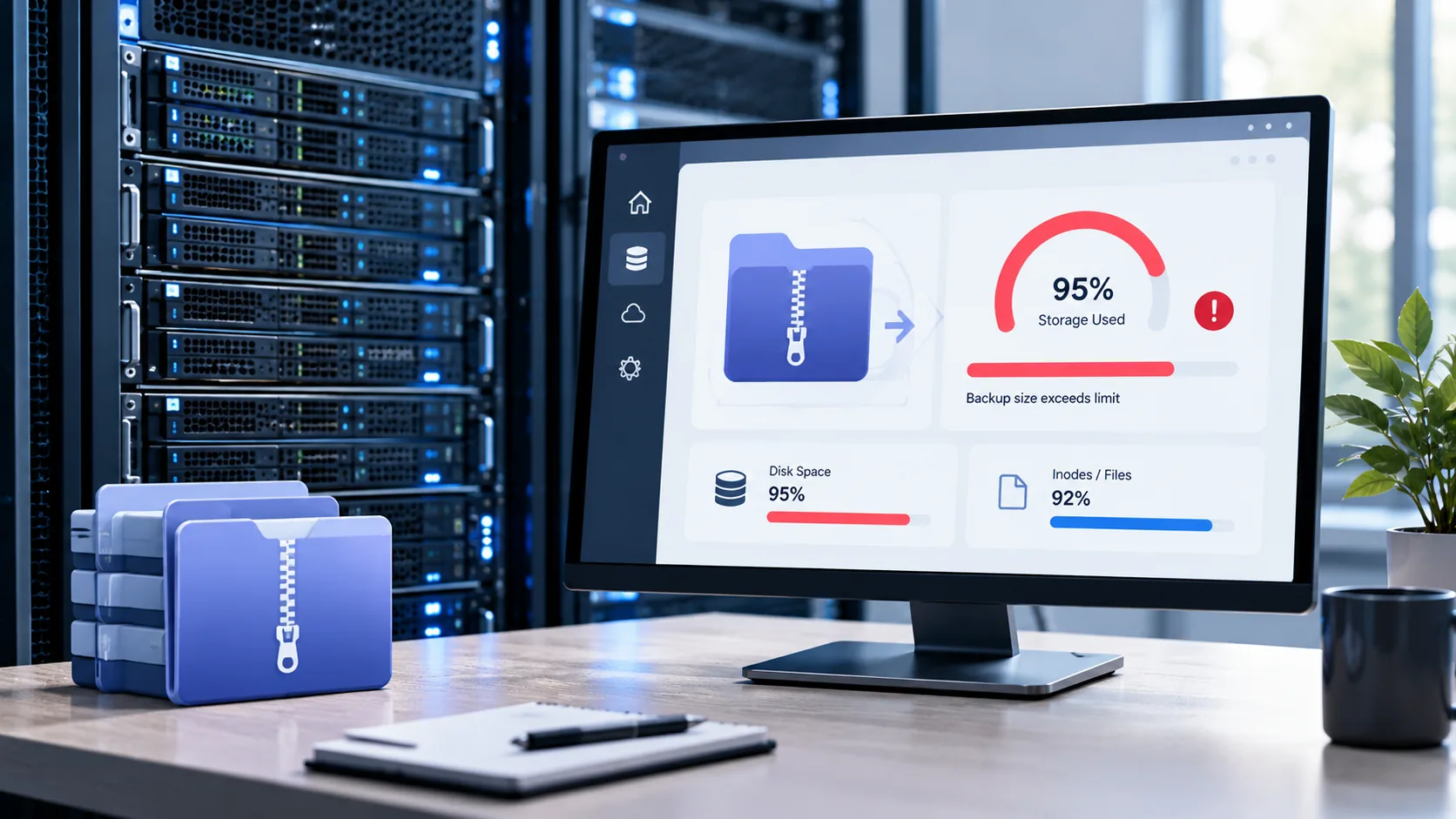
Server backup storage alert dashboard showing 95% storage used and a backup size exceeds limit warning, with disk space and inode usage bars — the size-cap problem HostGator, Namecheap and Plesk backups run into

HostGator, Namecheap & Plesk Size Caps

HostGator, Namecheap, and Plesk all back up your WordPress site automatically — but each one caps the free backup by size. Here is where those limits sit.

Read article →
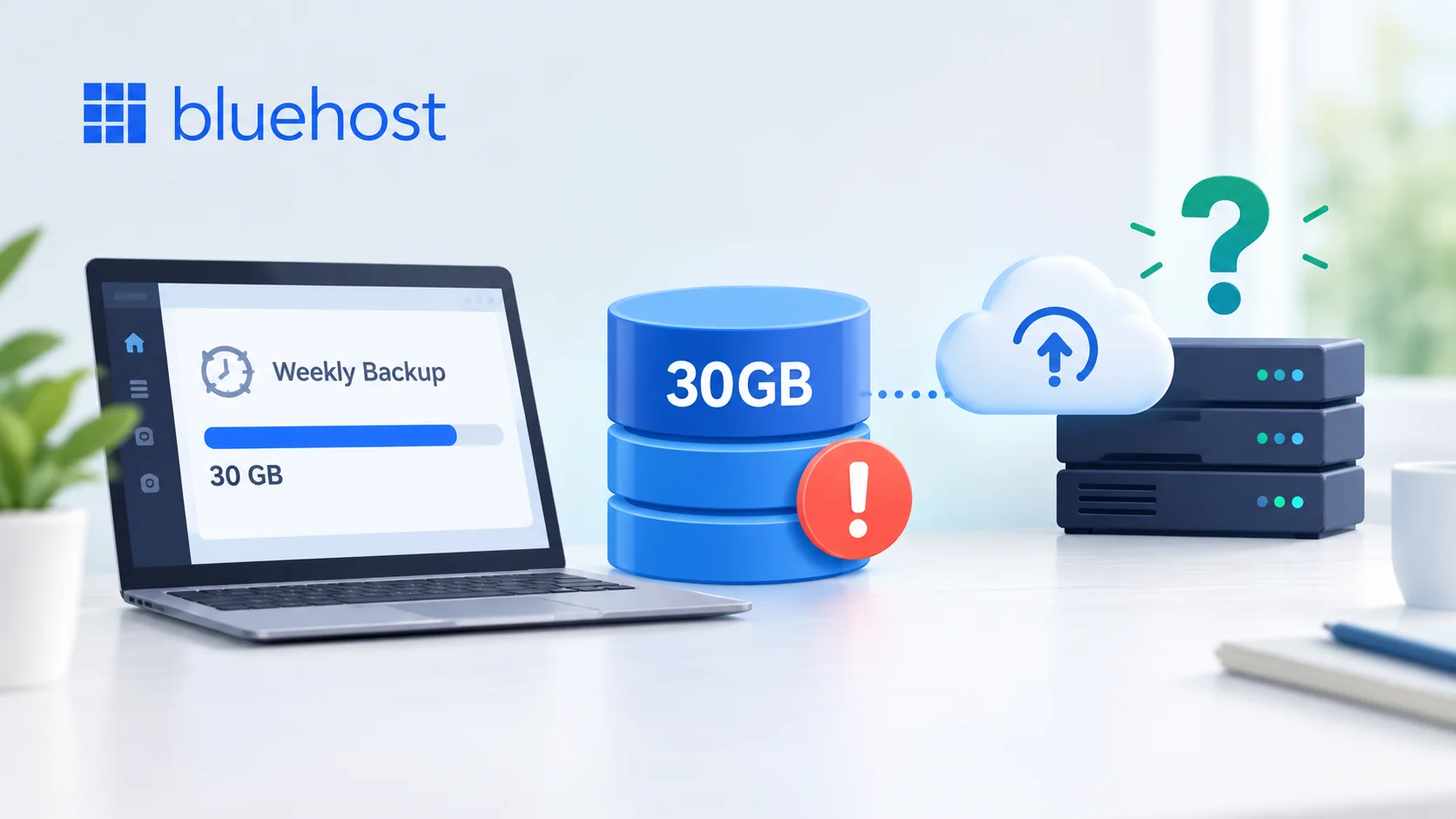
Alert graphic showing Bluehost's automatic weekly backup capping out at 30GB, warning what happens to WordPress sites once they cross the free backup size limit

Bluehost's Backup Caps at 30GB — Then What?

Bluehost's free backup only covers sites under 30GB and newer accounts. Here's what the cap means, and how to close the gap with an offsite backup.

Read article →

Migrate Guru free WordPress migration despite zero backup history, ending in a verified, successful site transfer

Migrate Guru: Free Move, Zero Backup History

Migrate Guru moves your WordPress site free, but it keeps no backup history. What it does well, its real limits, and what to set up right after.

Read article →
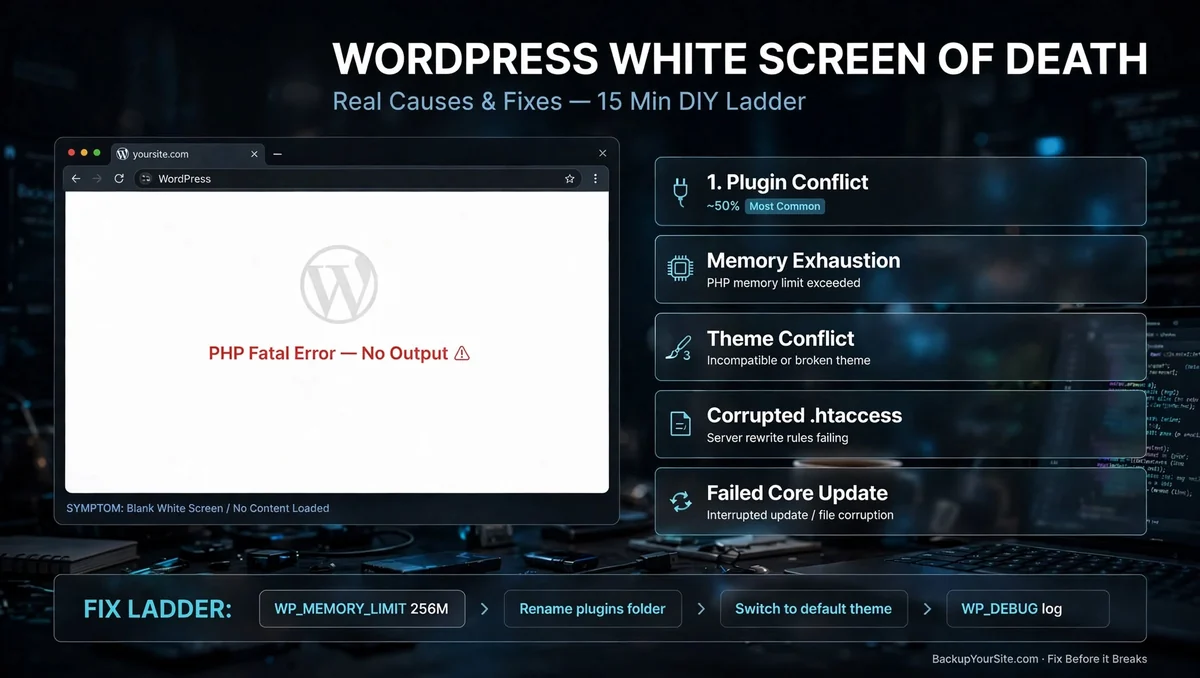
WordPress white screen of death diagram: a blank browser window showing a PHP fatal error with no output, beside the five real causes — plugin conflict, memory exhaustion, theme conflict, corrupted .htaccess and a failed core update — and a fix ladder

WordPress White Screen of Death: Fixes

Plugin conflict, memory limit, or something worse? Learn to tell the difference and fix a WSOD yourself, or know when a backup restore is the only option.

Read article →

A live WooCommerce store taking orders around the clock — shopping carts, card and PayPal payments and parcels streaming along circuit lines into a server rack behind a backup shield, labelled auto backup active, zero downtime, with an orders-per-minute counter at 87

Backing Up a Store That Never Stops Selling

A WooCommerce store writes to its database every minute. Here is how HPOS order tables, mid-checkout dumps, and sale-day restores change your backup plan.

Read article →
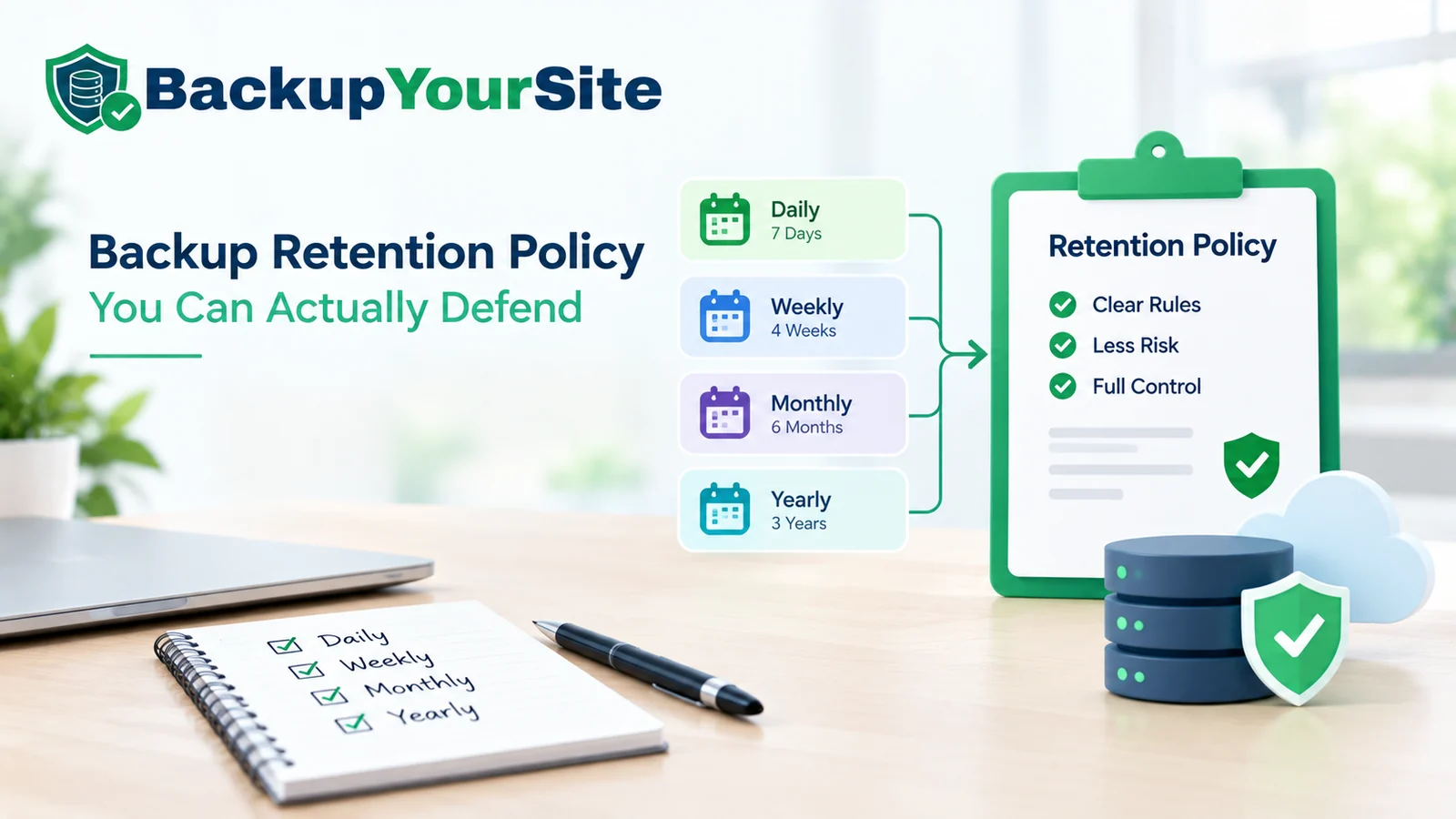
Backup retention policy infographic showing a tiered website backup schedule — daily, weekly, monthly and yearly retention tiers feeding into a documented retention policy with clear rules, less risk and full control over off-site backup storage

Writing a Backup Policy You Can Defend

A backup retention policy built on detection lag, not storage cost: a GFS schedule, a real storage-cost table, and an 8-clause template you can use today.

Read article →
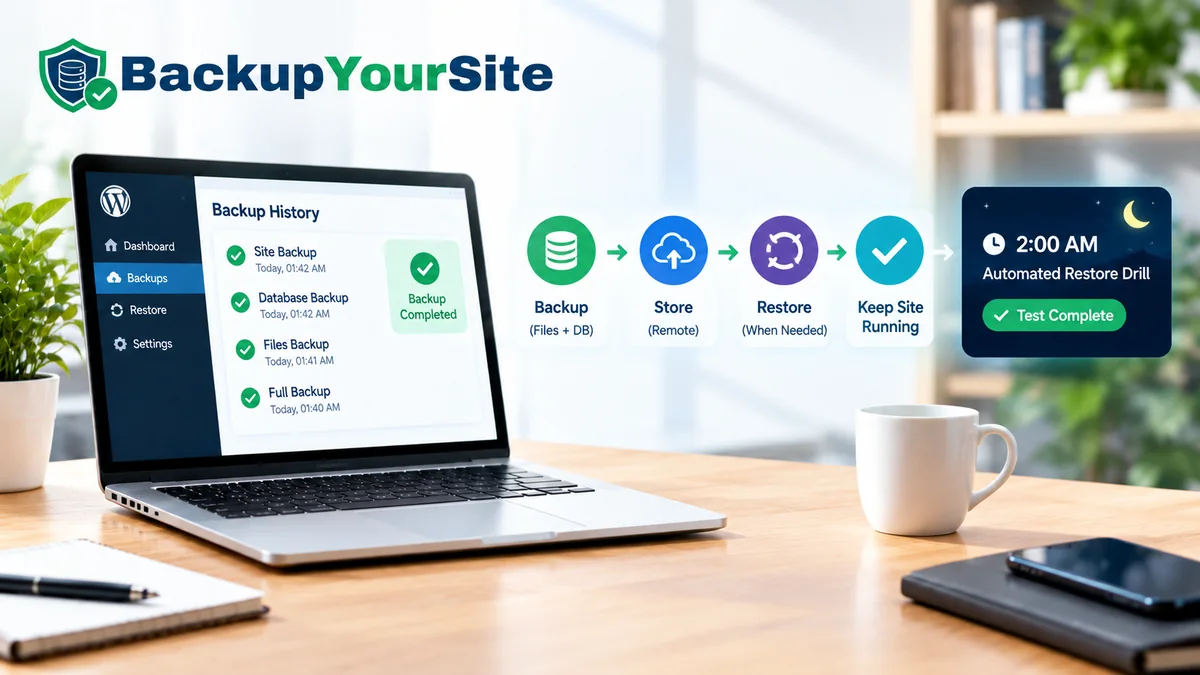
WordPress backup history dashboard on a laptop beside the BackupYourSite backup, store and restore workflow, with a 2 a.m. automated restore drill marked test complete

The Restore Drill Nobody Runs Until 2 a.m.

A WordPress restore runbook for the real conditions: site down, admin locked, a four-hour window. Plus the quarterly drill that gives you a real RTO.

Read article →

Checklist graphic representing five evaluation questions for offsite website backup solutions

Offsite Backup: Five Questions That Matter

Offsite backup is five questions, not a brand ranking. Score any backup category on failure-domain independence, restore readiness, and storage ownership.

Read article →
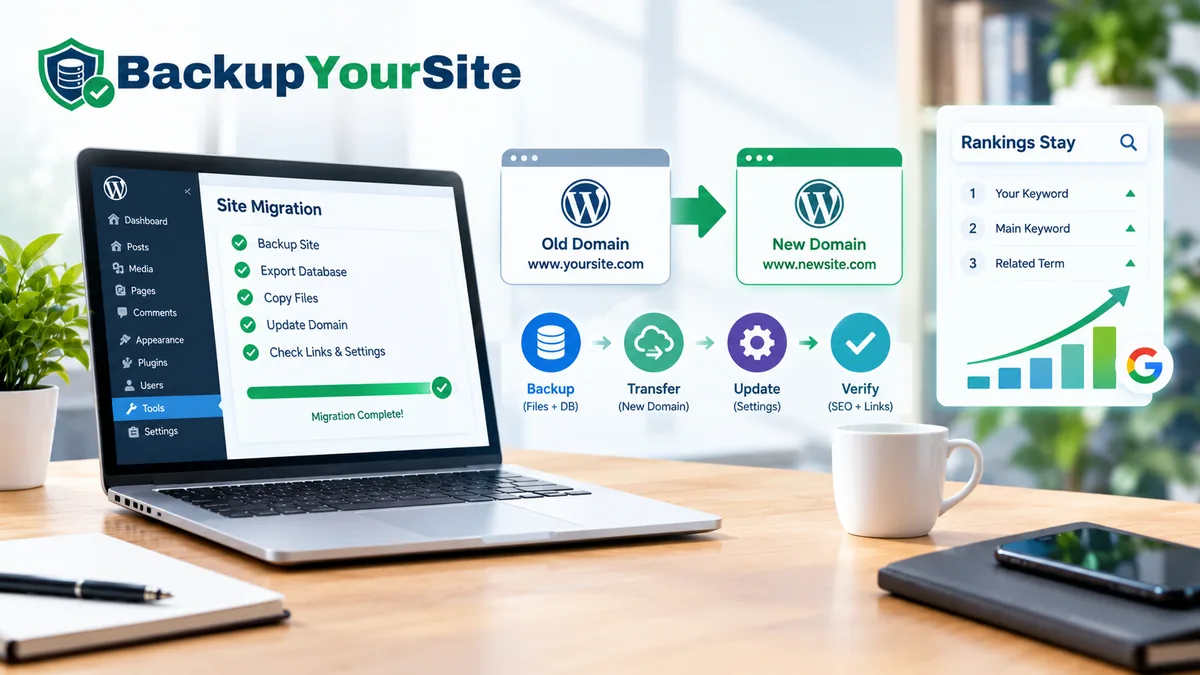
Migrate WordPress to a new domain without losing rankings: backup, transfer, update and verify steps with search rankings holding steady

Move a WordPress Domain Without Losing Rank

A step-by-step runbook for a WordPress domain migration: backups, safe search-replace, 301 redirects, GSC Change of Address, and email DNS records.

Read article →
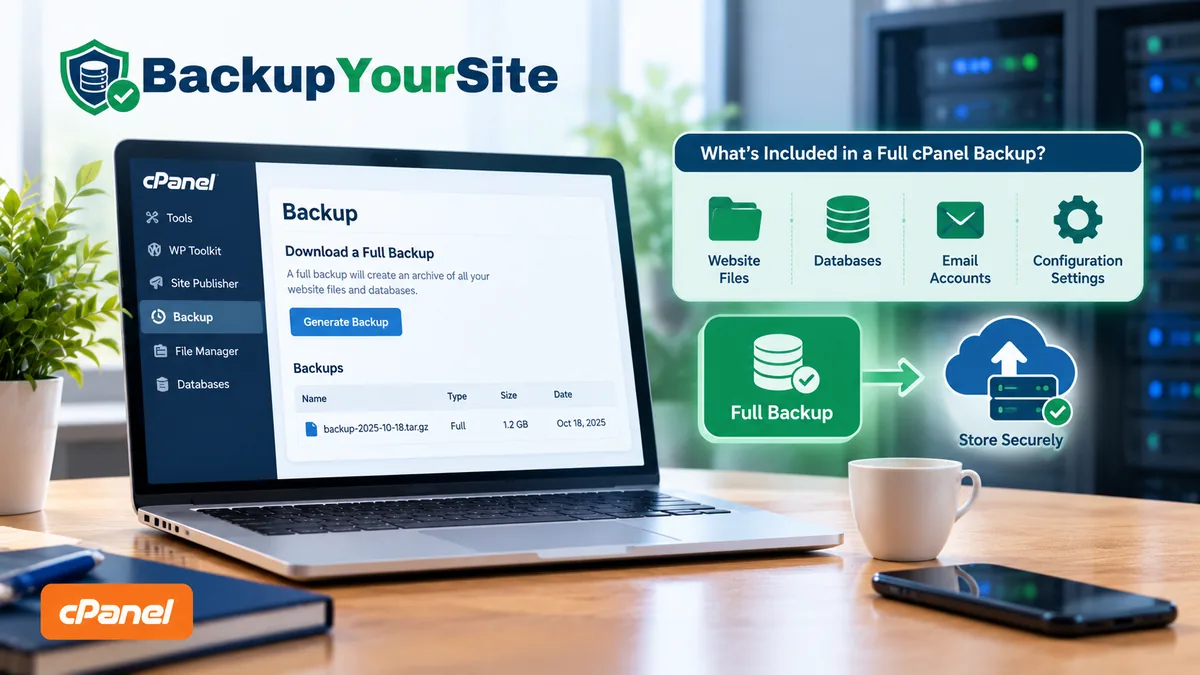
cPanel Backup Wizard on a laptop showing the Download a Full Backup option, with website files, databases, email accounts and configuration settings copied offsite

cPanel Full Backup: What It Covers

A cPanel Full Backup looks complete, but it defaults to the same server. See what it covers, how restores really work, and how to get a verified offsite copy.

Read article →
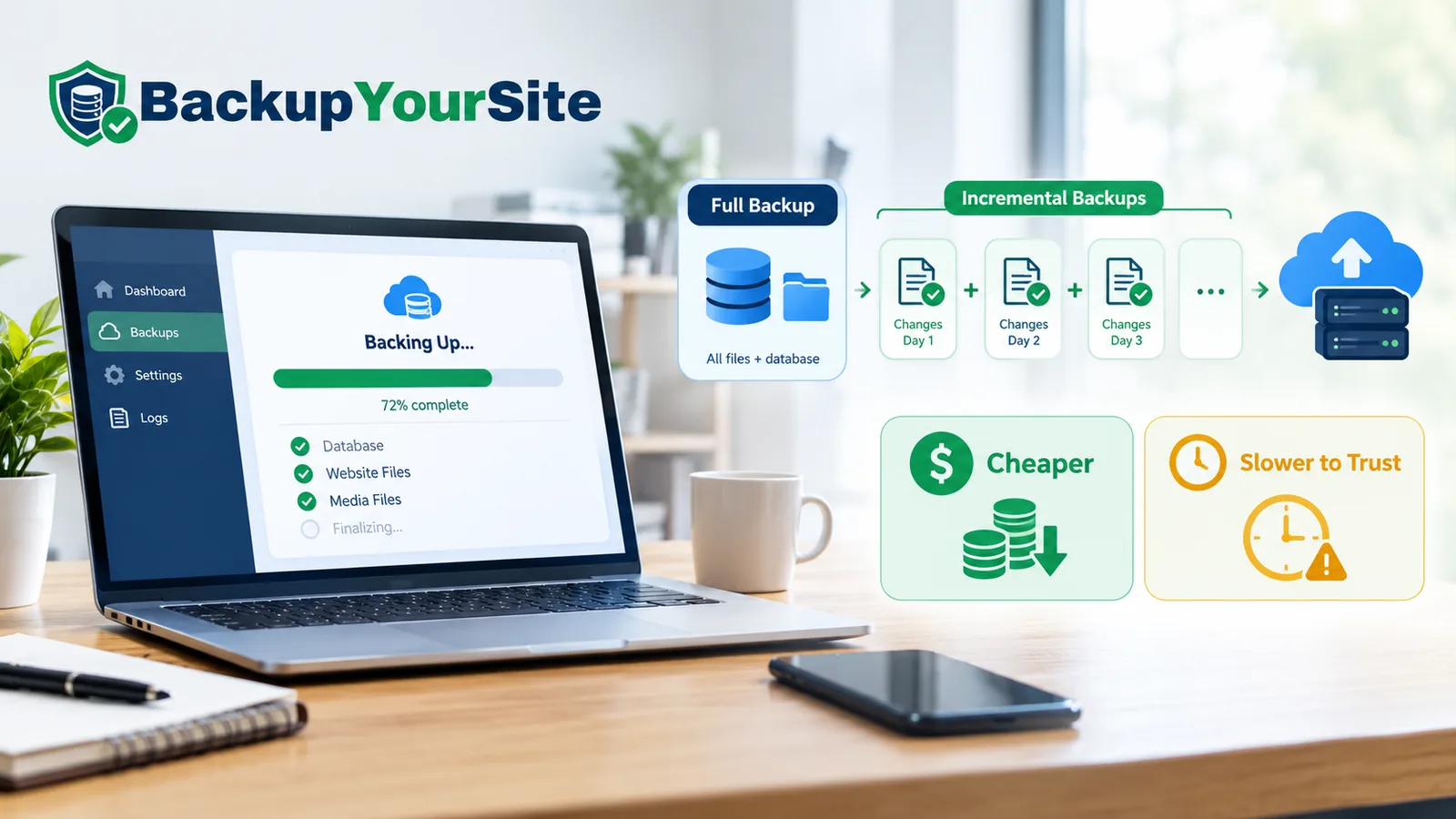
Incremental backup vs full backup diagram showing one full backup of all files and database followed by a chain of daily incremental change sets uploaded to offsite cloud storage, labelled cheaper to store and slower to trust on restore

Incremental Backups Are Slow to Trust

Incremental vs full backup: see the real 30-day storage math, restore-time tables, chain-corruption risk, and why synthetic fulls fix the trade-off.

Read article →

WordPress database backup covering posts, users and settings alongside a website files backup of themes, plugins, media and config files, both sent to offsite cloud storage

A Database Backup Is Only Half a Website

A WordPress database backup only covers half your site. See exactly what it misses, the mysqldump flags that stop a torn export, and how to restore one safely.

Read article →

A website migration dashboard showing files transferring between two servers

What a WordPress Migration Service Buys You

A buyer's checklist for a WordPress migration service: nine scope items to get in writing, where fixed quotes break, and three red flags that predict a redo.

Read article →

WordPress backup schedule monitoring dashboard on a desk monitor — a green run-history timeline of completed backups, a schedule calendar flagging one missed run with an amber warning, a low-traffic visits chart showing the quiet week that stopped WP-Cron firing, and a clock, calendar and server rack beside it representing real cron scheduling and verified offsite copies

Backup Schedules That Survive a Quiet Week

Why WP-Cron silently skips backups on quiet sites, the real-cron fix, and how to alert on a missed run before you ever need a restore.

Read article →

WordPress restore screen showing an ImportBuddy database import step

BackupBuddy Is Now Solid Backups

BackupBuddy is now Solid Backups. Here is what changed, what did not, and whether your old backup archive still restores with ImportBuddy.

Read article →
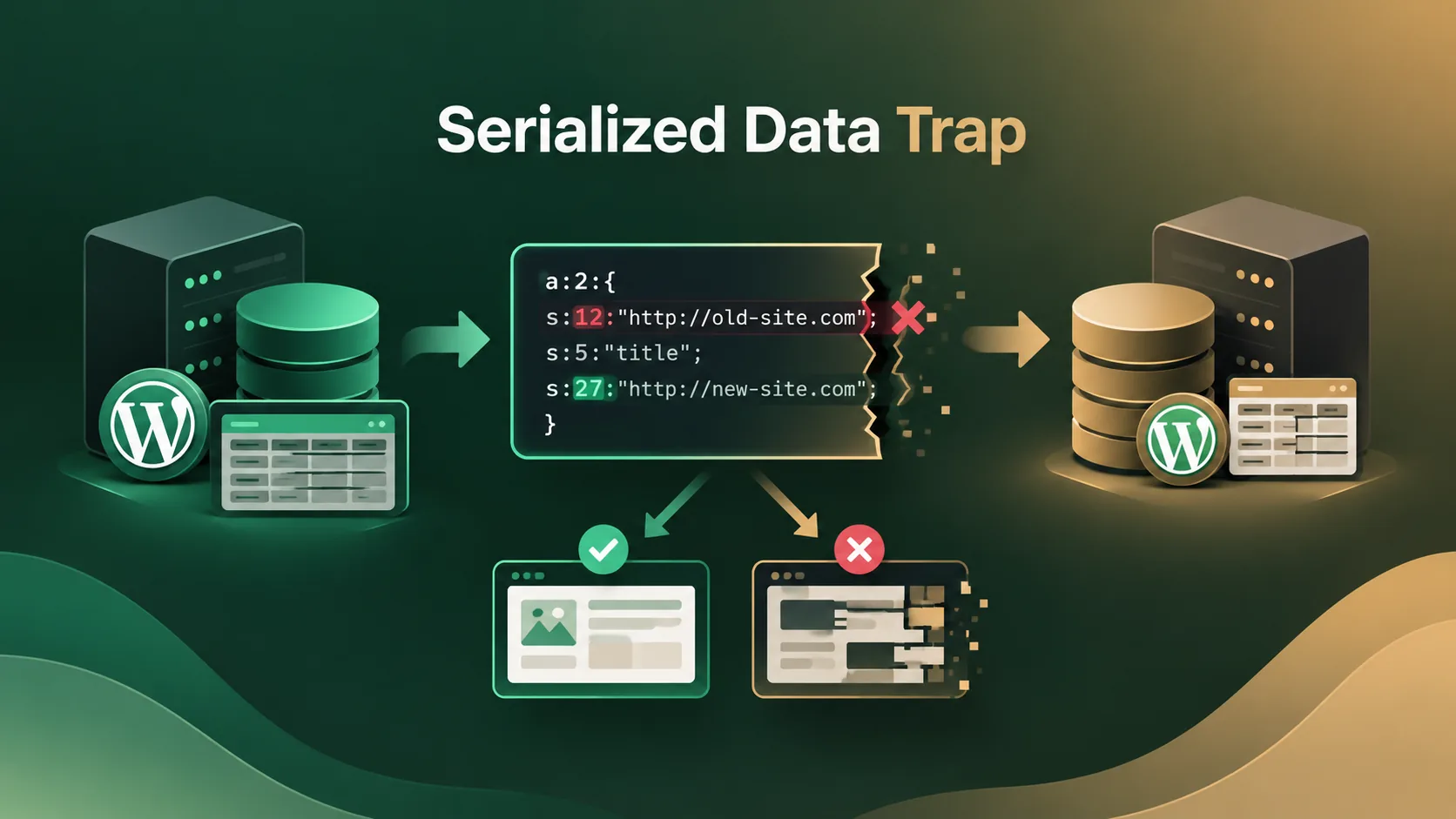
Diagram of a WordPress database migration: a serialized PHP string's length prefix stays unchanged after a URL find-and-replace, producing one working site and one corrupted one

The Serialized-Data Trap in WP Migration

A find-and-replace for a WordPress migration corrupts serialized data. See the byte-length trap, the safe tools, and a post-import checklist.

Read article →

Diagram contrasting a WordPress migration, where site files and the database move from an old server to a new server through a Duplicator-style package, with a separate verified backup copy stored securely off-site in the cloud

Duplicator: A Migration Tool, Not a Backup

Duplicator plugin WordPress review: why its installer.php leftover is a security risk, and where it falls short as a real backup solution.

Read article →
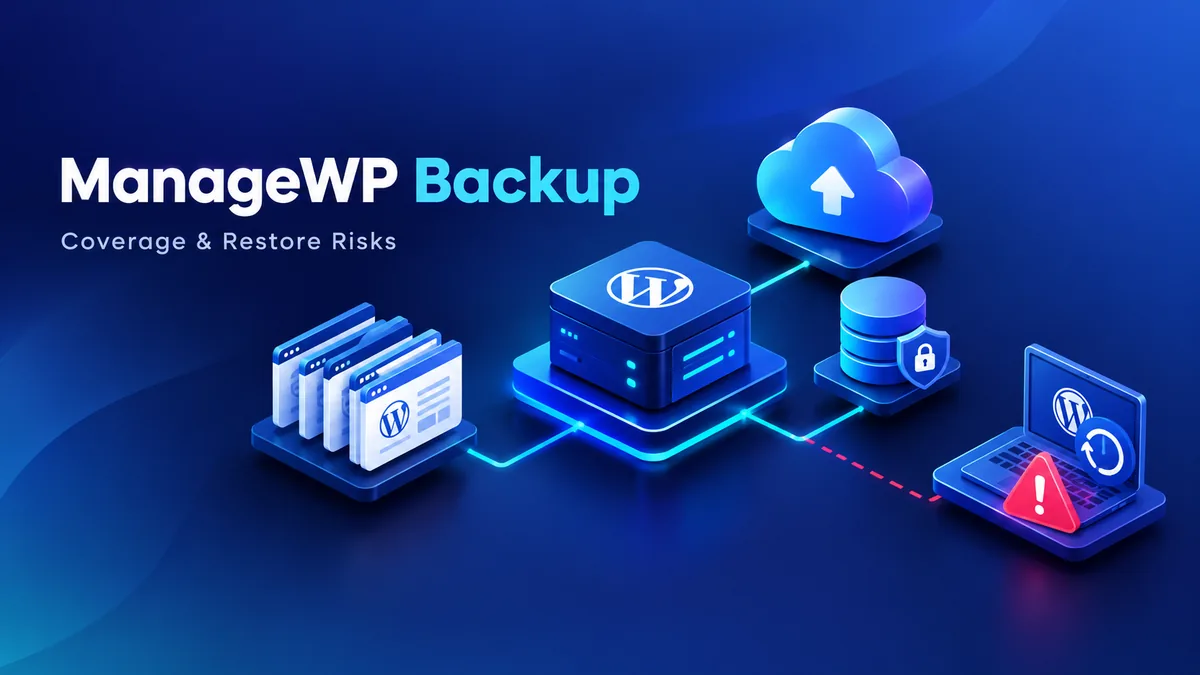
Diagram of multiple WordPress sites connecting through a ManageWP Worker plugin server to encrypted cloud backup storage, with a red warning icon showing a failed WordPress restore on a laptop

ManageWP's Backup Add-On: What It Covers

ManageWP's backup add-on depends on the Worker plugin being reachable. Here's what each tier covers, who owns the storage, and the three ways restores actually break.

Read article →

WordPress site migrating from the current host to a new host without downtime

Moving WordPress Hosts With No Downtime

A zero-downtime WordPress migration runbook: pre-flight inventory, out-of-band file/DB copy, verifying the new server before DNS moves, and a real rollback plan.

Read article →
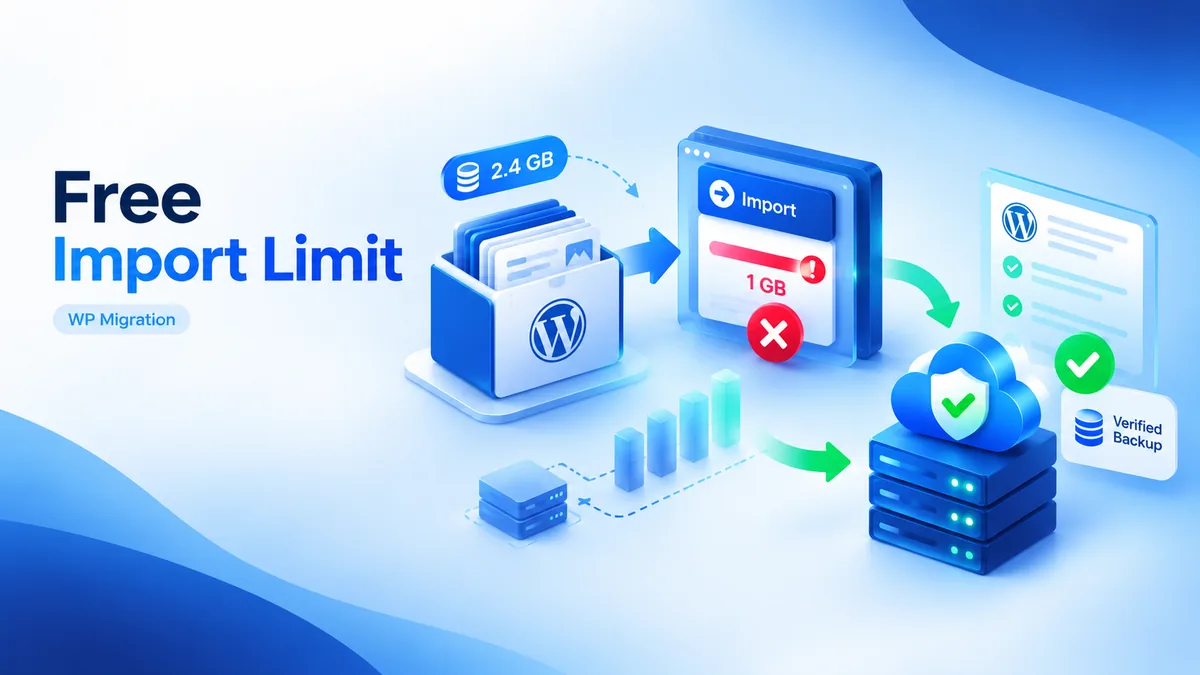
All-in-One WP Migration free plan import size limit blocking a WordPress site migration

All-in-One WP Migration's Free Limit

Where All-in-One WP Migration free tier limits bite, why exports fail silently, and when a verified backup beats the .wpress format.

Read article →
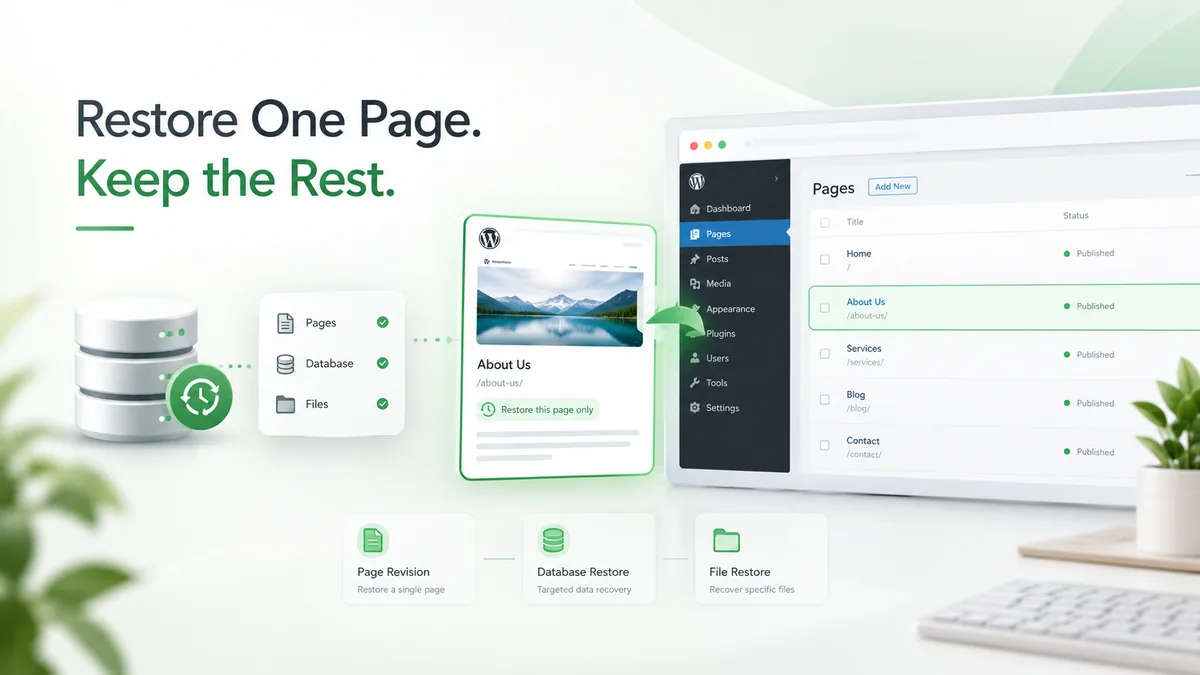
WordPress single page restore workflow: page revision, targeted database restore, and file restore steps shown beside a Pages admin screen highlighting one page

Restoring One Page Without a Full Rollback

Restore one WordPress page from backup without rolling back the whole site — revisions, targeted database restores, and file-level fixes explained.

Read article →

Split-screen diagram of a WordPress staging clone on one side and an off-site verified backup archive on the other, showing the sync-direction arrow between them

WordPress Staging vs Backup: Not the Same

WordPress staging and backups solve different problems. See the 4 key differences, the sync mistake that erases live data, and how to avoid it.

Read article →

RPO and RTO explained for a WordPress site — a split timeline diagram showing RPO looking backward to the last backup and RTO looking forward through detect, decide, restore, and propagate phases to full recovery

RPO and RTO for a WordPress Site, Plainly

RPO and RTO translated out of datacenter jargon: worked restore timings by site size, the four phases of RTO, and a worksheet to find your real numbers.

Read article →

The 3-2-1 backup rule applied to a WordPress backup — three green pillars labelled 3 copies, 2 different media and 1 offsite copy, beside a WordPress server rack backing up offsite to cloud storage with a verified shield

The 3-2-1 Backup Rule, Audited on a Real Site

See where the 3-2-1 backup rule actually breaks on a WordPress site, digit by digit, plus a 10-minute self-audit scorecard.

Read article →

WordPress downtime cost calculator — estimating lost revenue, labor cost, and recovery time from a site outage

How Much Does WordPress Downtime Really Cost?

See what an hour of WordPress downtime actually costs, and the real driver of that cost: how fast your backup setup lets you recover.

Read article →

Web host backups coverage — a BackupYourSite banner showing a laptop running a WordPress site beside a stack of blue host server racks, with a blue cloud, green refresh arrows, a database icon and a green verified shield in the centre, and labelled Files and Databases callouts on the right

Does My Web Host Back Up My Site?

Understand what SiteGround, GoDaddy, and other web hosts actually back up, and why you still need offsite backups.

Read article →
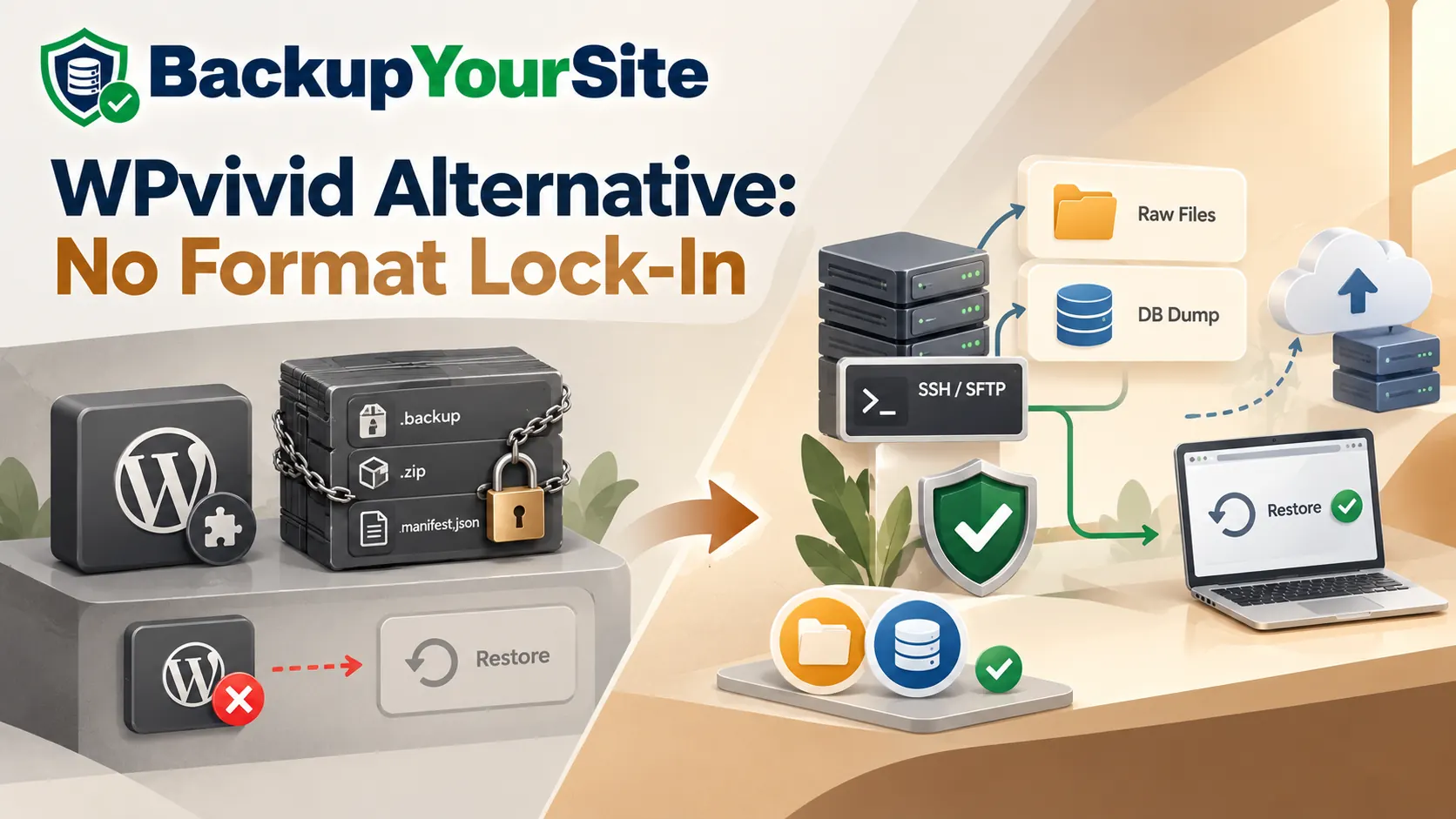
WPvivid alternative with no format lock-in — on the left a WordPress plugin icon beside a chained and padlocked WPvivid backup archive of .backup, .zip and manifest.json files whose restore button is blocked, on the right BackupYourSite pulling raw files and a plain DB dump from a server over SSH/SFTP to cloud storage with a green verified shield and a successful one-click restore

WPvivid Alternative: No Format Lock-In

WPvivid backups can generally only be restored by WPvivid itself. Here's how that lock-in works, why it matters, and how plugin-free SSH backup avoids it.

Read article →
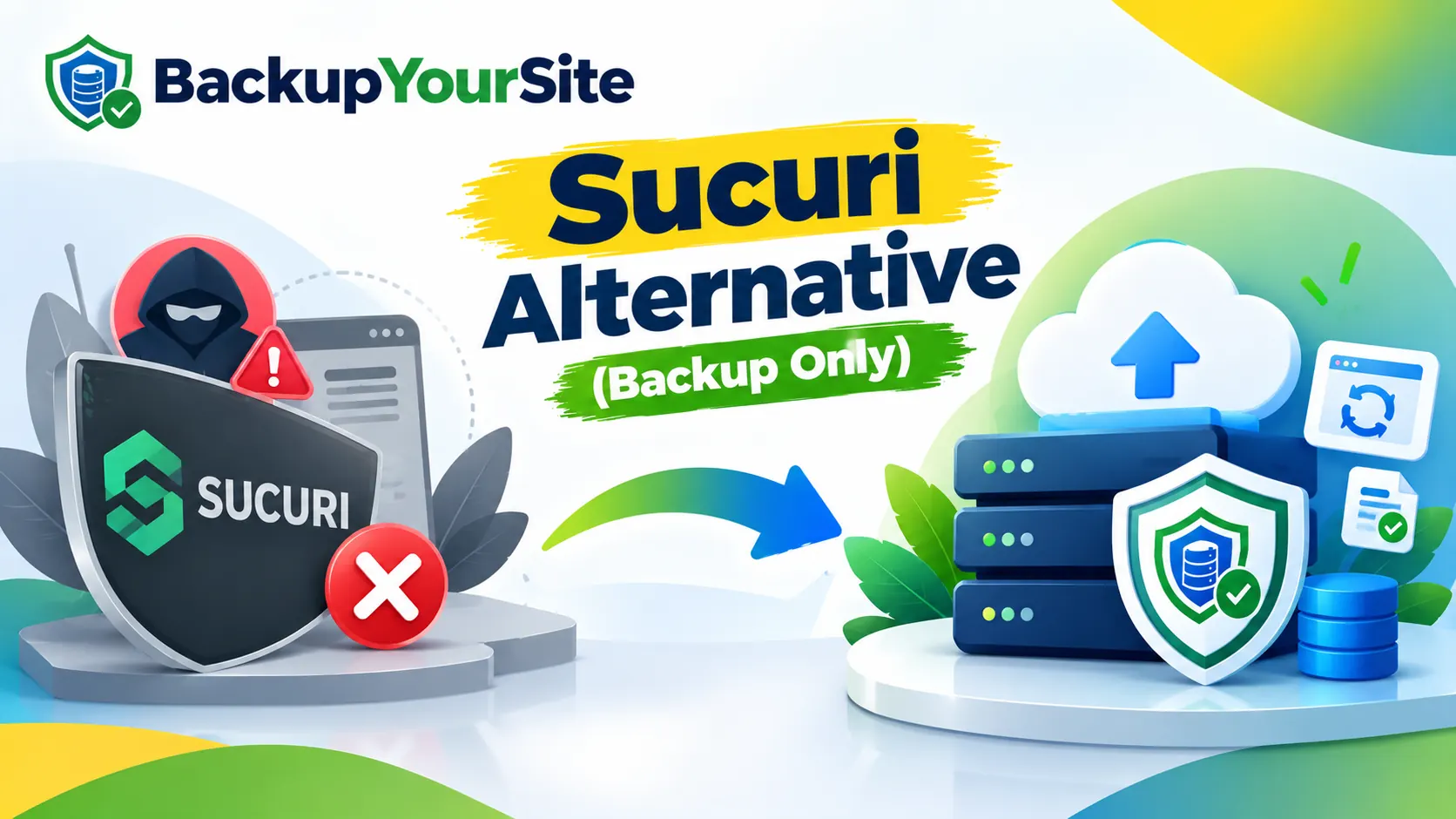
Sucuri alternative for backup-only buyers — the Sucuri security platform shield marked with a red cross beside a hooded attacker and a malware warning, with an arrow to BackupYourSite backup-only offsite storage: backup servers, cloud upload and a green verified shield, no security bundle required

Sucuri Alternative for Backup-Only Buyers

Sucuri bundles backup inside a full security platform starting at $229/year. If backup is all you need, see a backup-only alternative and what you'd save.

Read article →

UpdraftPlus alternative for WP-Cron failures — the UpdraftPlus plugin marked with a red cross beside a backup schedule calendar and clock flagged with a missed-schedule warning, with an arrow across to BackupYourSite SSH-triggered offsite backup: WordPress files and database on a laptop, cloud upload and backup servers with a green verified tick

UpdraftPlus Alternative: WP-Cron Failures

UpdraftPlus schedules backups through WP-Cron, which only fires on site visits and can silently stall on low-traffic hosting. Here's a cron-independent fix.

Read article →
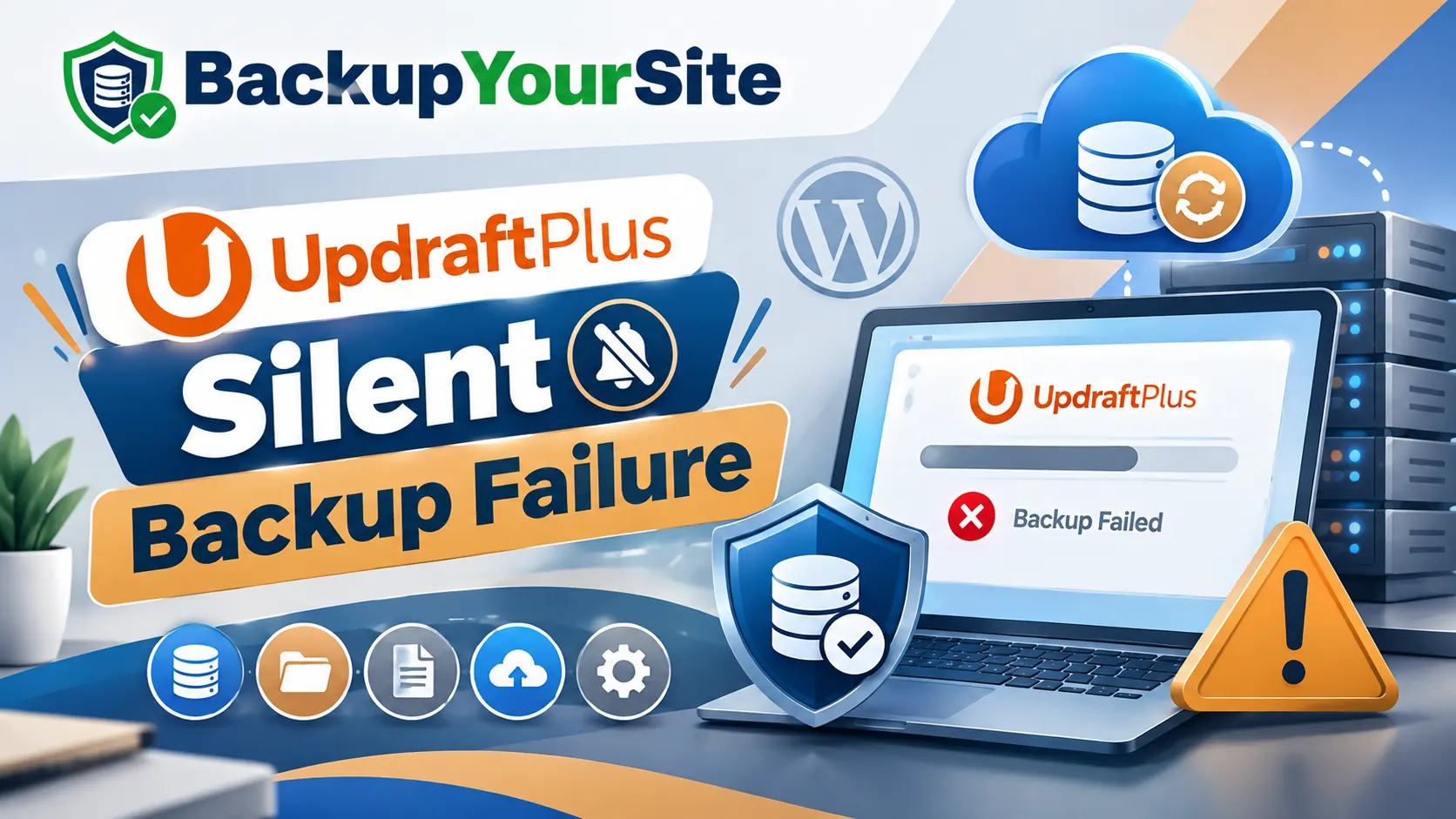
UpdraftPlus alternative for silent WordPress backup failure — the UpdraftPlus logo beside a muted notification bell and a laptop showing a red 'Backup Failed' error with an orange warning triangle, next to BackupYourSite's green-ticked backup shield, cloud sync and offsite backup servers

UpdraftPlus Alternative: Backup Failures

UpdraftPlus is a popular WordPress backup plugin, but plugin conflicts and wp-cron issues can silently break backups. Here's how to check, and how to fix it.

Read article →
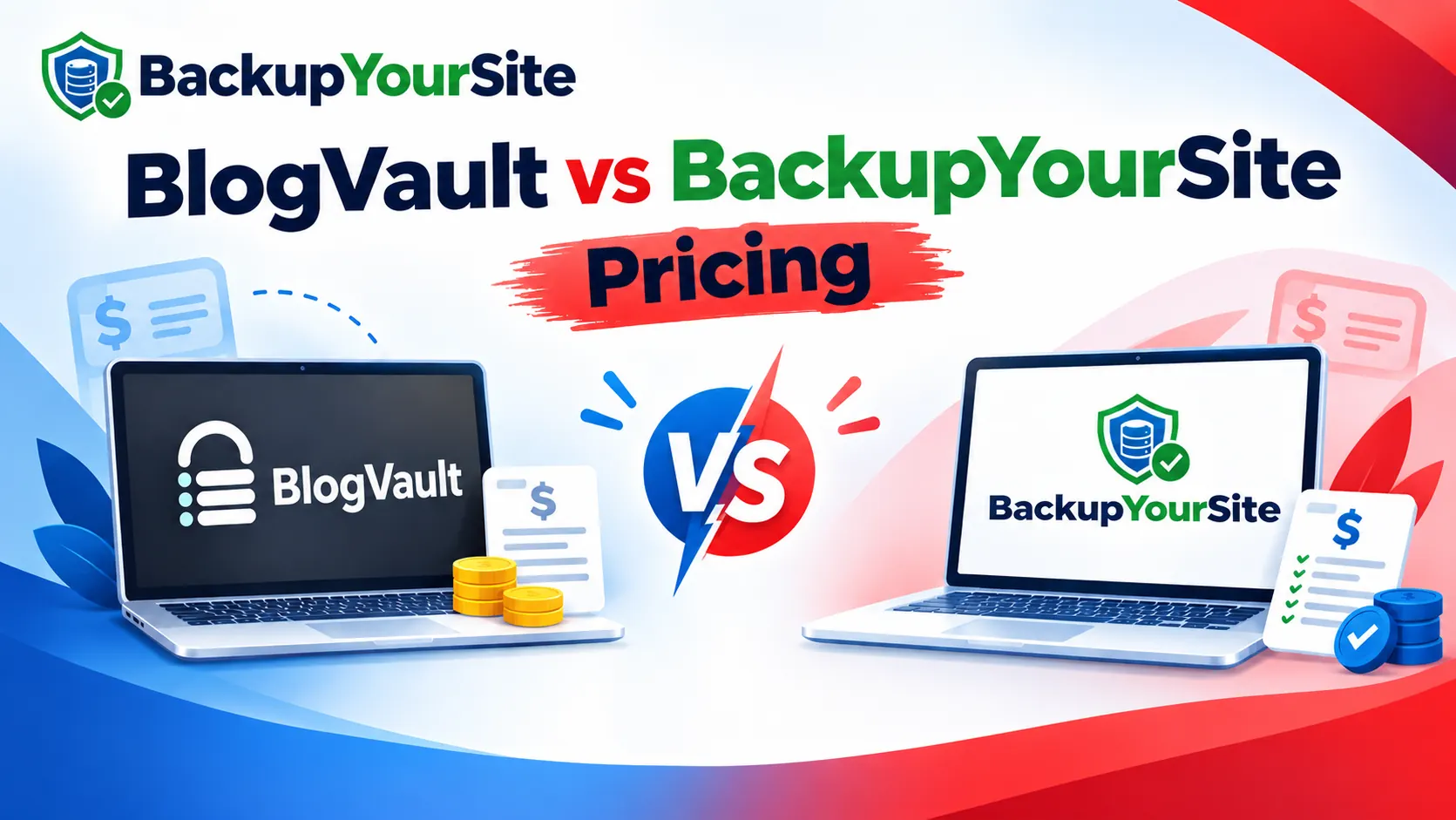
BlogVault vs BackupYourSite pricing compared on cost per site — two laptops head to head, one showing the BlogVault logo beside stacked coins and a price sheet, the other showing the BackupYourSite logo beside a green-ticked price sheet and coins

BlogVault vs BackupYourSite: Cost Per Site

A transparent per-site cost breakdown of BlogVault vs BackupYourSite across every pricing tier, with the math shown, so you see which costs less at scale.

Read article →
Jetpack VaultPress Backup alternative — Jetpack and VaultPress plugin logos on two laptops beside a red warning triangle and on-server backup drives, with a green arrow pointing to BackupYourSite's agentless SSH alternative: a laptop showing the BackupYourSite logo with a green-ticked shield, cloud upload and offsite backup server stack

Jetpack VaultPress Backup Alternative

Jetpack VaultPress Backup runs on Jetpack's connection and adds plugin weight to your site. See how SSH backup delivers zero plugin footprint instead.

Read article →

SiteGround backup alternative — the SiteGround Site Tools backup marked with a red cross, with an arrow to offsite WordPress website backup on BackupYourSite: a shielded database with a green check, backup servers, cloud upload and a point-in-time restore folder

SiteGround Backup Alternative

SiteGround's built-in backups live on the same account and get deleted on cancellation. See what its restores cover and where offsite backup closes the gap.

Read article →

WordPress backup frequency — how often to back up your WordPress site: laptop backing up a WordPress site and database to offsite cloud storage and servers, beside a backup schedule calendar and clock

How Often Should You Back Up WordPress?

There's no single right answer for backup frequency. Here's how to decide, based on how often your content changes and what you'd lose in a worst case.

Read article →

What is a WordPress backup — WordPress site files and database copied from a laptop to offsite cloud storage, with media files, a zipped archive folder and backup servers protected by a security shield

What Is a WordPress Backup?

A WordPress backup is a copy of your site's files and database, stored somewhere separate, that lets you restore your site if it's ever lost, hacked, or broken.

Read article →

Website backup cost 2026 — how much does website backup cost: laptop backing up a WordPress site to cloud storage and servers, beside stacked coins, a dollar icon and a pricing checklist

How Much Does Website Backup Cost in 2026?

Understand the cost of website backups in 2026: compare free options, self-hosted, and premium services.

Read article →

White-label website backup for agencies — an agency and client handshake over a laptop showing a client-branded backup dashboard, with cloud sync, backup servers and a white-label 'Your Brand' nameplate

White-Label Website Backup for Agencies

Learn how agencies can offer white-label backup services to clients using offsite SSH-based backup infrastructure.

Read article →
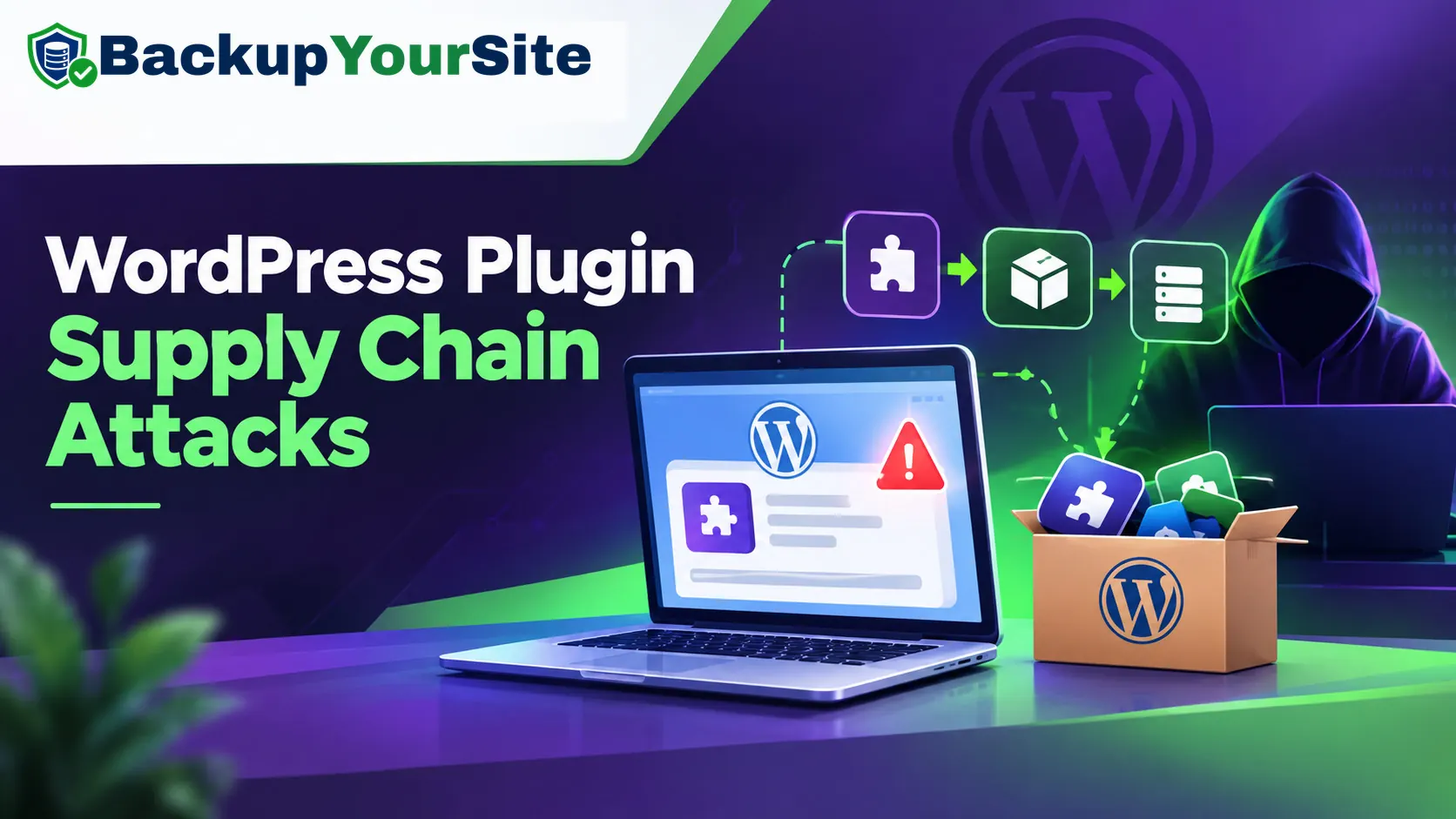
WordPress plugin supply-chain attacks — a hooded attacker pushing a malicious plugin update down the plugin supply chain into a WordPress dashboard showing a security warning, next to a box of WordPress plugins

WordPress Plugin Supply-Chain Attacks 2026

Protect your WordPress site from supply-chain attacks by keeping backups offsite, away from your main server.

Read article →

Freelancer backup guide with no plugins — a freelance web developer at a laptop backing up a client WordPress site, files syncing to offsite cloud storage (Google Drive, Dropbox, OneDrive and a local NAS) with no backup plugin installed

Freelancer's Guide to Backups Without Plugins

How freelance web developers can back up client WordPress sites without plugins, using SSH and offsite storage.

Read article →
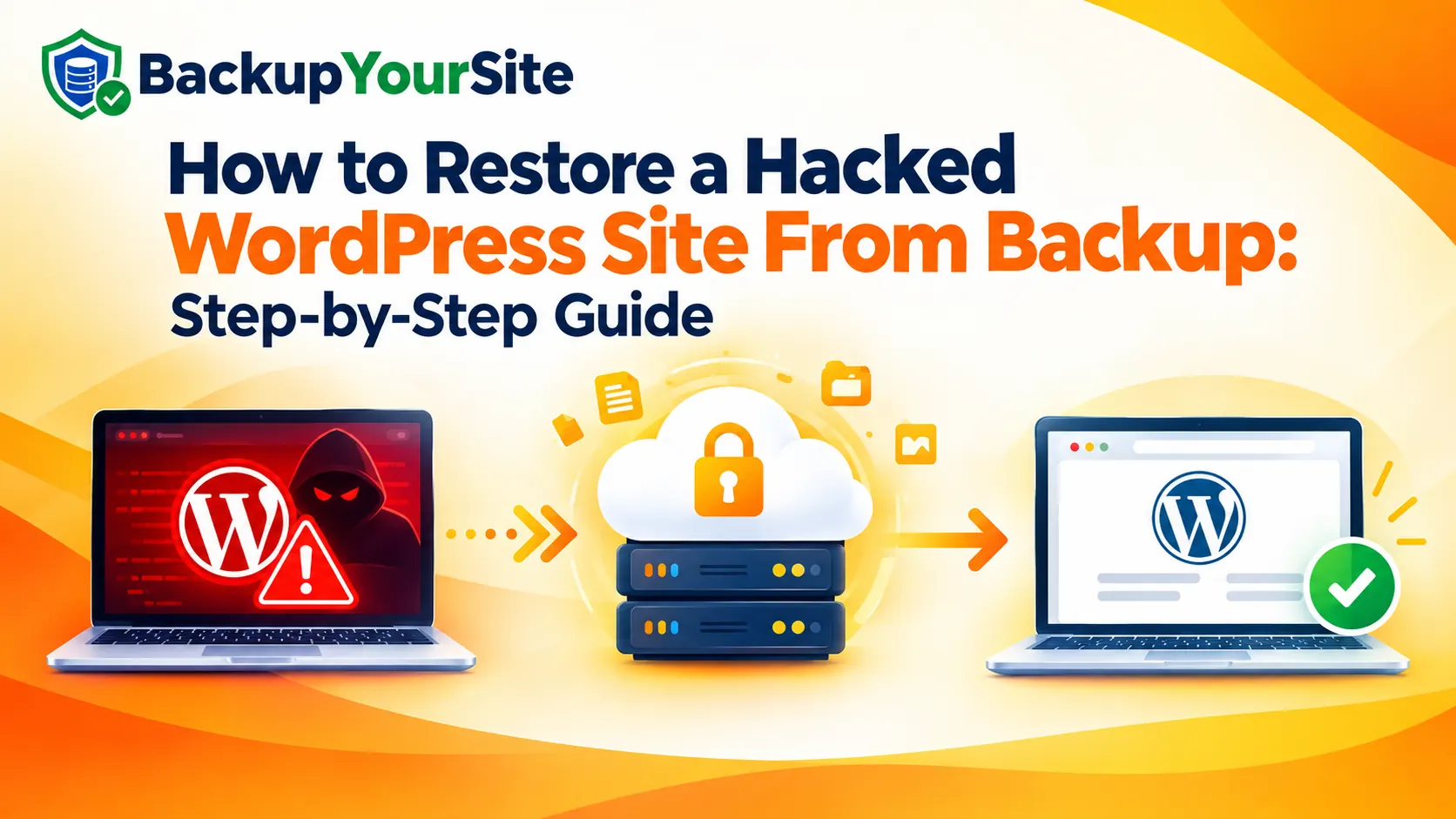
How to restore a hacked WordPress site from backup, step by step — a laptop showing a malware-infected WordPress site with a red hacker warning, a clean offsite backup held in secure locked cloud storage, and the same WordPress site restored and verified malware-free

How to Restore a Hacked WordPress Site

Step-by-step guide to restoring a hacked WordPress site from backup, plus prevention strategies.

Read article →
BlogVault alternative for WordPress agencies — a laptop running the BlogVault backup plugin marked with a red X, replaced by the BackupYourSite dashboard backing the same site up agentlessly over SSH to offsite cloud and server storage

BlogVault Alternative for Agencies

BlogVault only sells annual plans, and its per-site cost multiplies fast for agencies. See how flat monthly, agentless SSH backup compares on price.

Read article →

GoDaddy backup alternative for agencies — GoDaddy's host-tied built-in backup marked with a warning and a red cross, with an arrow to BackupYourSite offsite, host-independent website backup on a laptop with a green verified shield and cloud storage

GoDaddy Backup Alternative for Agencies

GoDaddy's built-in backups are tied to the hosting account with a fixed retention window. See what that means for agencies and how offsite backup helps.

Read article →
VaultPress vs BackupYourSite performance comparison — on the left a red VaultPress shield over a laptop and server stack with a red speed gauge and declining performance chart, on the right BackupYourSite's green verified shield over a laptop and server stack with a green speed gauge, rising chart and cloud upload, split by a central speedometer

VaultPress vs BackupYourSite: Performance

VaultPress (Jetpack Backup) vs BackupYourSite compared on the one thing most reviews skip: what running the backup process actually costs your site's performance.

Read article →
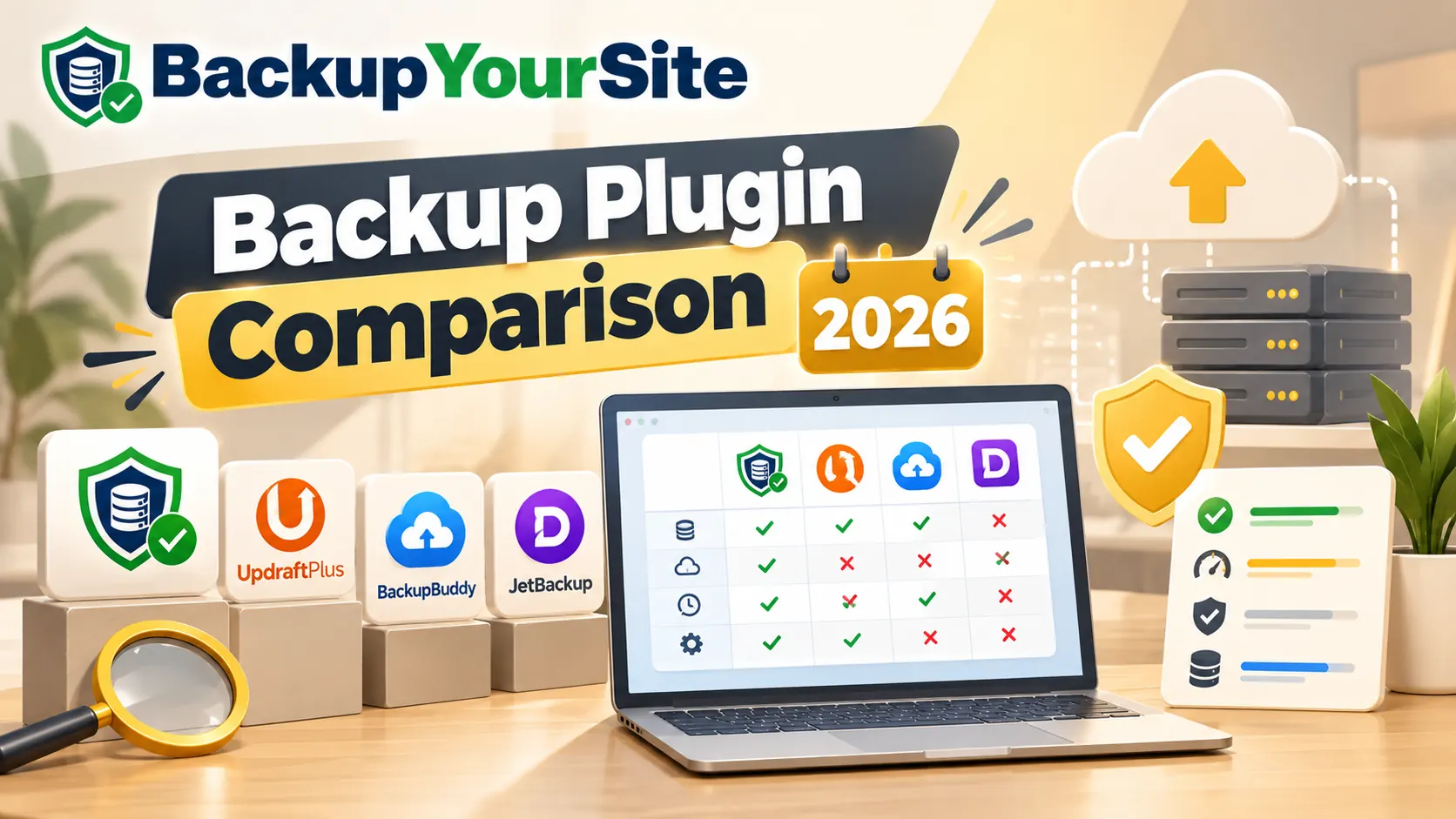
WordPress backup plugin comparison 2026 — the BackupYourSite logo above a desk scene where a magnifying glass inspects a row of backup plugin tiles (BackupYourSite's green verified shield, UpdraftPlus, BackupBuddy and JetBackup), a laptop shows a feature-comparison grid of green ticks and red crosses across the four tools, and a gold verified shield, checklist card, stacked servers and a cloud upload arrow sit to the right

BlogVault vs Jetpack vs UpdraftPlus 2026

Compare the top WordPress backup solutions in 2026: BlogVault, Jetpack Backup, UpdraftPlus, and BackupYourSite.

Read article →
Why WordPress backup plugins fail — four WordPress backup plugin icons each marked with a red cross, a laptop showing the WordPress logo beside a red warning triangle, and a failed WordPress backup progress bar, next to BackupYourSite's offsite agentless alternative: a green-ticked shield, cloud sync and backup server stack

Why WordPress Backup Plugins Fail

Learn why popular WordPress backup plugins often fail and discover more reliable alternatives for protecting your website.

Read article →

Stop hoping your backup plugin worked.

Start free trial