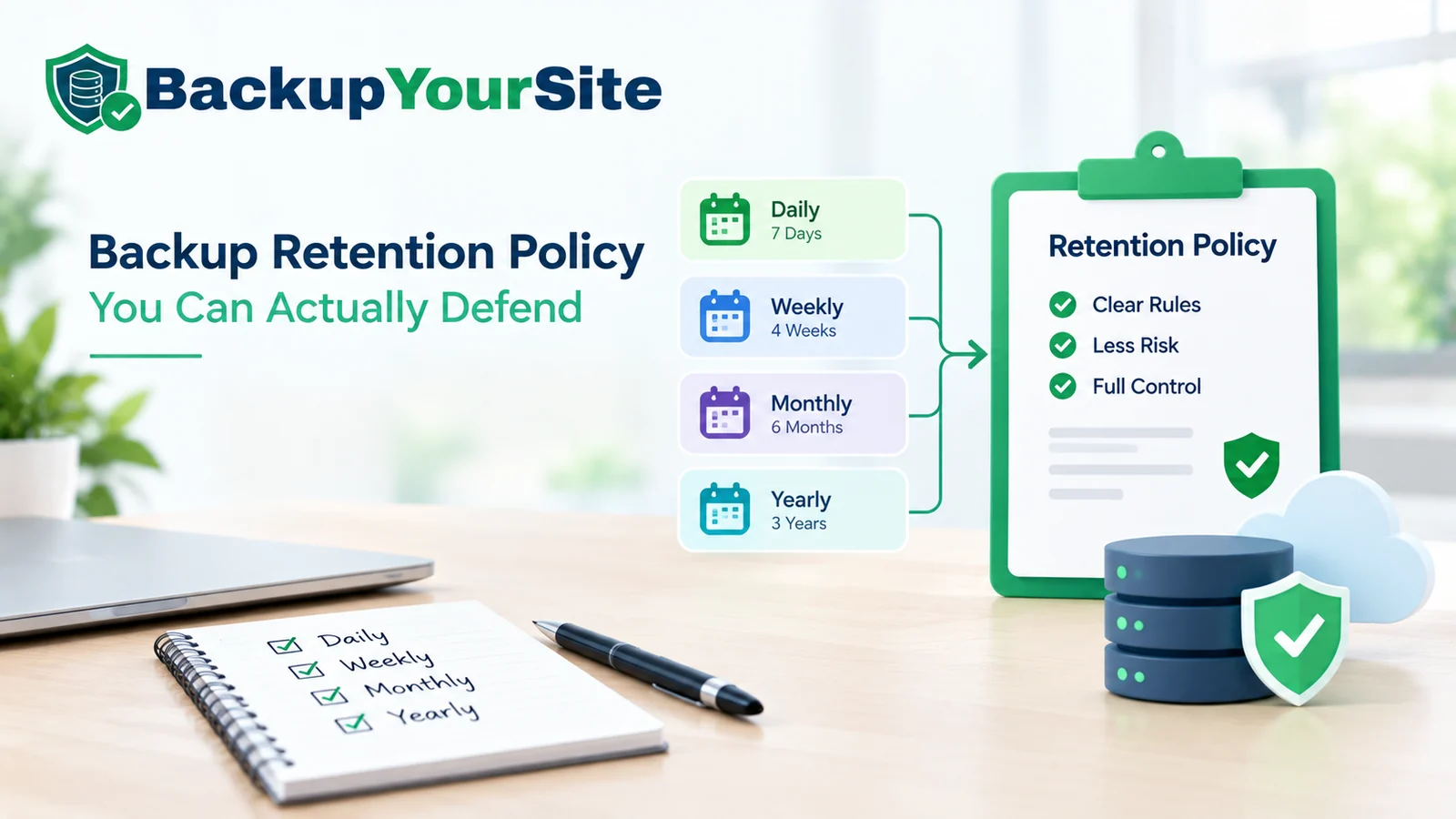
Most backup retention policies get written backward: someone opens a storage calculator, picks a number that looks cheap — seven days, usually — and copies it into a document nobody reads again until something breaks. The real problem isn't the number, it's the logic behind it. Retention should be set by how long it takes to notice a problem, not by what it costs to keep a few extra copies.
Why seven days fails more often than it works
A seven-day window protects you against exactly one thing: a mistake you notice within a week. It does nothing for three problems that show up constantly on client sites and small-business servers.
- Slow defacements. A hacked site that quietly injects spam links into old blog posts can run for 20 to 40 days before Search Console flags it or a client calls.
- A bad plugin update. A WooCommerce or page-builder update can corrupt product data in ways nobody sees until a customer tries to check out, sometimes three weeks later.
- A content deletion nobody reported. A junior team member deletes 40 pages "to clean things up." Nobody mentions it. It surfaces when organic traffic drops the following month.
The gap between when a problem starts and when someone actually notices it is routinely measured in weeks, not days — a slow content corruption, a quietly-broken plugin, or an SEO issue can sit unnoticed for a month or more. According to the backup retention guidance published by SentinelOne, a seven-day window is built for operational rollback — undoing a bad deploy within the same week — not for recovering from a problem that was invisible at the time it happened.
Detection lag is the input that actually matters
Here's the honest way to set retention: work out how long it typically takes your team, or your client, to notice something is wrong, then keep backups for at least that long, plus a safety margin.
Ask three questions before writing a single clause of the policy:
- How often does anyone actually look at the site? Daily, weekly, or only when a client complains?
- Is there uptime or content monitoring running, or is detection purely human?
- What's the worst case you've seen go unnoticed? Pull it from your own support tickets, not a guess.
A silent content problem routinely goes unnoticed for weeks, not days — which is why a flat 7-day retention window is too short for most sites. A tiered schedule covering at least 30 days of daily granularity, with monthly snapshots stretching further out for anything regulatory, is a more defensible default.
Monitoring changes this math. A site with uptime checks and a content-diff alert can cut detection lag from weeks to hours for the defacement case. It does nothing for the slow data-corruption case, since the site still looks "up." Treat monitoring as a way to shrink the gap, not eliminate the need for a long retention window.
Grandfather-father-son, scaled down for a website instead of a datacentre
Grandfather-father-son retention comes from tape backup rotations in datacentres. The logic scales down cleanly to a single WordPress site or a small agency's client fleet. A workable schedule for a typical business site:
- Daily, the "son": keep the last 14 daily backups.
- Weekly, the "father": keep 8 weekly backups, roughly two months.
- Monthly, the "grandfather": keep 12 monthly backups, one full year.
That's 34 restore points covering a full year. The actual storage footprint stays close to 25 to 30 days of full backups once older dailies get pruned into the weekly and monthly tier. TechTarget's data retention guidance frames this same tiering as the standard middle ground between keeping everything forever and keeping almost nothing. It applies just as well to a 10 GB WordPress site as it does to a multi-terabyte file server.
What 14/8/12 actually costs to store
For a 10 GB website, here is a worked table most retention guides skip. It shows the real storage cost at each window.
| Retention window | Backups kept | Approx. storage (10 GB site) | Typical monthly cost* |
|---|---|---|---|
| 7 days | 7 full | ~70 GB | $2-3 |
| 30 days (GFS-lite) | 14 daily + 4 weekly | ~115-130 GB | $4-6 |
| 90 days | 14 daily + 8 weekly + 2 monthly | ~190-210 GB | $7-9 |
| 365 days (full GFS) | 14 daily + 8 weekly + 12 monthly | ~280-310 GB | $10-13 |
*Standard object storage pricing, 2026 rates. Moving from 30 to 365 days roughly doubles storage. It also adds a full year of rollback coverage. For most agencies, that's a few dollars a month against the cost of rebuilding a client site from scratch.
Regulatory and contractual pulls go in both directions
This is the part most retention templates get wrong. They only state one side. Two forces pull on retention length, and they disagree.
Data minimisation pulls shorter. Privacy frameworks including GDPR favour keeping personal data only as long as there's a legitimate purpose. Indefinite backups of customer data you no longer need can become a liability on their own. This is a general compliance principle, not legal advice. If a client handles regulated data — health, financial, or EU personal data — get the retention clause checked by their own counsel, not a backup vendor's blog post.
Evidence and dispute needs pull longer. If a client disputes a charge, needs to prove what their site said on a given date, or faces an audit, a deleted backup is a lost record. NIST's guidance on information system contingency planning treats backup retention as part of an organisation's broader continuity and audit-trail obligations, not purely a storage decision. The SANS Institute frames the same retention decision around incident-response readiness: you can't investigate an incident from three months ago if the backups from that period are already gone.
The practical resolution we use with clients: separate personal and customer data retention, which is shorter and minimisation-driven, from site-structure and content backups, which run longer and are recovery-driven. Apply two numbers, not one blanket figure for everything.
Retention isn't one number — it's one per environment
A single retention figure for "the backup policy" breaks down the moment there's more than one environment. A reasonable structure runs three tiers.
- Production: full GFS, 14 daily, 8 weekly, 12 monthly. This is the environment the business actually runs on.
- Staging: 7 daily, no weekly or monthly tier. Staging is disposable by design. Nobody needs a staging snapshot from four months ago.
- Pre-release snapshots: one manual snapshot taken immediately before any plugin update, theme change, or major content push, kept for 30 days regardless of the daily schedule. This is the single most useful backup in a rollback emergency, and the one a pure time-based schedule misses entirely.
Client offboarding: what you hand over, what you delete, and when
Retention policy doesn't end when the relationship does. When an agency offboards a client, three things need a written answer, not an improvised one.
- What gets handed over. Typically the most recent full backup, in a portable format the client or their next vendor can actually restore from. Not a proprietary archive locked to one tool.
- What gets deleted, and when. We recommend 90 days post-offboarding before historical backups are purged from agency-side storage. That gives a grace window for disputes or a late "can you send us that one page back" request.
- Who confirms deletion. A written confirmation, even a one-line email, closes the loop. It matters if the client ever asks whether you still hold their data. For agencies running backups across a client fleet, this is worth standardising once rather than improvising per client — see our white-label agency backup guide for how we structure that across multiple accounts.
How this differs from "how often should you back up"
Retention and frequency are two different decisions. It's worth being explicit about the line between them. Frequency is how often a new backup is taken, covered in our backup frequency guide. Retention is how long each one is kept once it exists. A site can back up every hour and still have a useless retention policy if everything older than three days gets deleted. Set frequency first, based on how often content actually changes. Then apply the tiering above on top of it.
The fill-in retention policy template
Eight clauses, plain English, ready to adapt for a client contract or an internal standard.
- Scope. This policy covers production, staging, and pre-release backups for [site name / client name].
- Backup frequency. Full backups are taken [daily / every N hours], covering database and files.
- Retention schedule. [N] daily backups are kept, followed by [N] weekly and [N] monthly backups, per the tiering in Section [X].
- Pre-change snapshots. A manual snapshot is taken before any plugin, theme, or core update and retained for [30] days independent of the standard schedule.
- Storage location and redundancy. Backups are stored at [provider / region], with [a second copy / no second copy] maintained off the primary host.
- Personal data handling. Backups containing customer personal data are retained for no longer than [N] days beyond the standard window, per data-minimisation requirements.
- Restoration testing. A restore is test-verified at least [quarterly], with results logged.
- Offboarding. On contract end, the client receives the most recent full backup. All historical copies are purged within [90] days unless otherwise agreed in writing.
Start from this exact eight-clause structure and adjust the bracketed numbers to your own detection lag and compliance needs. It's faster than writing a policy from a blank page, and it forces the one conversation a generic template skips: how long does it actually take you to notice something is wrong? Our backup features page covers how the daily, weekly, and monthly tiers map onto scheduled jobs, and our pricing page breaks down which plan includes the full 365-day GFS tier versus the 30-day starter window.
A short worked example
A home-services client came to us with a flat 7-day backup plan from their previous host. A plugin conflict had quietly broken their booking form. Nobody noticed for 22 days, because the form still loaded — it just silently failed to submit. By the time a lost lead complained on the phone, every backup from before the conflict was gone. We moved them to the 30-day GFS-lite tier from the table above. Monthly cost went from $2.50 to roughly $5. That's the entire case for retention in one sentence: a $2.50-a-month decision cost them three weeks of missed bookings they could never fully trace.
Retention looks different by site type
The 14/8/12 GFS schedule is a good default, but the right starting point shifts depending on what the site actually does, and treating every site the same way is where a lot of policies quietly fail.
An e-commerce store changes constantly — new orders, stock levels, reviews — so daily backups matter more than usual, and 14 days of daily coverage is closer to a floor than a comfortable margin. A corrupted order table that isn't caught for two weeks can mean reconciling payments by hand against a payment gateway's own records, which is a slow, manual job nobody wants.
A brochure or content site changes less often, so the weekly and monthly tiers do more of the real work. Here the bigger risk isn't data corruption, it's a slow content problem: stale pricing, a quietly broken contact form, or spam links injected into old posts, all of which fit the 20-to-40-day detection window described earlier.
A client-facing SaaS marketing site sits in between. It rarely changes transactional data, but a broken signup flow or pricing page error directly costs revenue, so the pre-release snapshot clause in the template above (Section 4) matters more here than the monthly tier does.
None of these need a different retention system. They need the same GFS structure with the daily-tier length tuned to how often the site's underlying data actually changes, and how fast a broken version would cost real money if it went unnoticed.
Frequently Asked Questions
How long should a small business keep website backups?
At minimum 30 days of daily backups. Extend to a full 12-month GFS schedule — 14 daily, 8 weekly, 12 monthly — if the site handles customer data, payments, or regular content updates. Thirty days is the floor, not the target, once you account for realistic detection lag.
What is grandfather-father-son backup retention?
A three-tier retention schedule: frequent daily backups (the "son"), fewer weekly backups (the "father"), and long-interval monthly backups (the "grandfather"). It gives broad time coverage without storing a full daily backup for every single day of the year.
How long should website backups be kept for GDPR compliance?
GDPR doesn't set a fixed number of days. It requires that personal data, including data captured inside backups, is retained only as long as there's a legitimate business purpose. Many organisations set a shorter retention window specifically for backups containing customer personal data, separate from structural site backups.
Should staging sites have the same retention as production?
No. Staging is disposable and typically only needs 5 to 7 days of daily backups. Production needs the full tiered schedule because it's the environment the business actually depends on.
What should happen to a client's backups after offboarding?
Hand over the most recent full backup in a portable format. Keep historical copies for a defined grace period — we use 90 days — then purge them and send written confirmation of deletion.
Does a longer retention window cost significantly more to store?
Not as much as most people assume. For a 10 GB site, moving from a 7-day to a full 365-day GFS schedule roughly quadruples storage, from about 70 GB to about 300 GB. It typically adds only $8 to $10 a month, which is small against the cost of rebuilding a site that can't be restored.
How do I estimate my own detection lag?
Pull your last 5 to 10 support tickets or incident reports. Measure the time between when a problem started and when someone actually noticed it. Use the longest realistic figure, not the average, as your retention floor.